
Split teams or pick who pays: 8 ways to decide at random as a group
3 min read
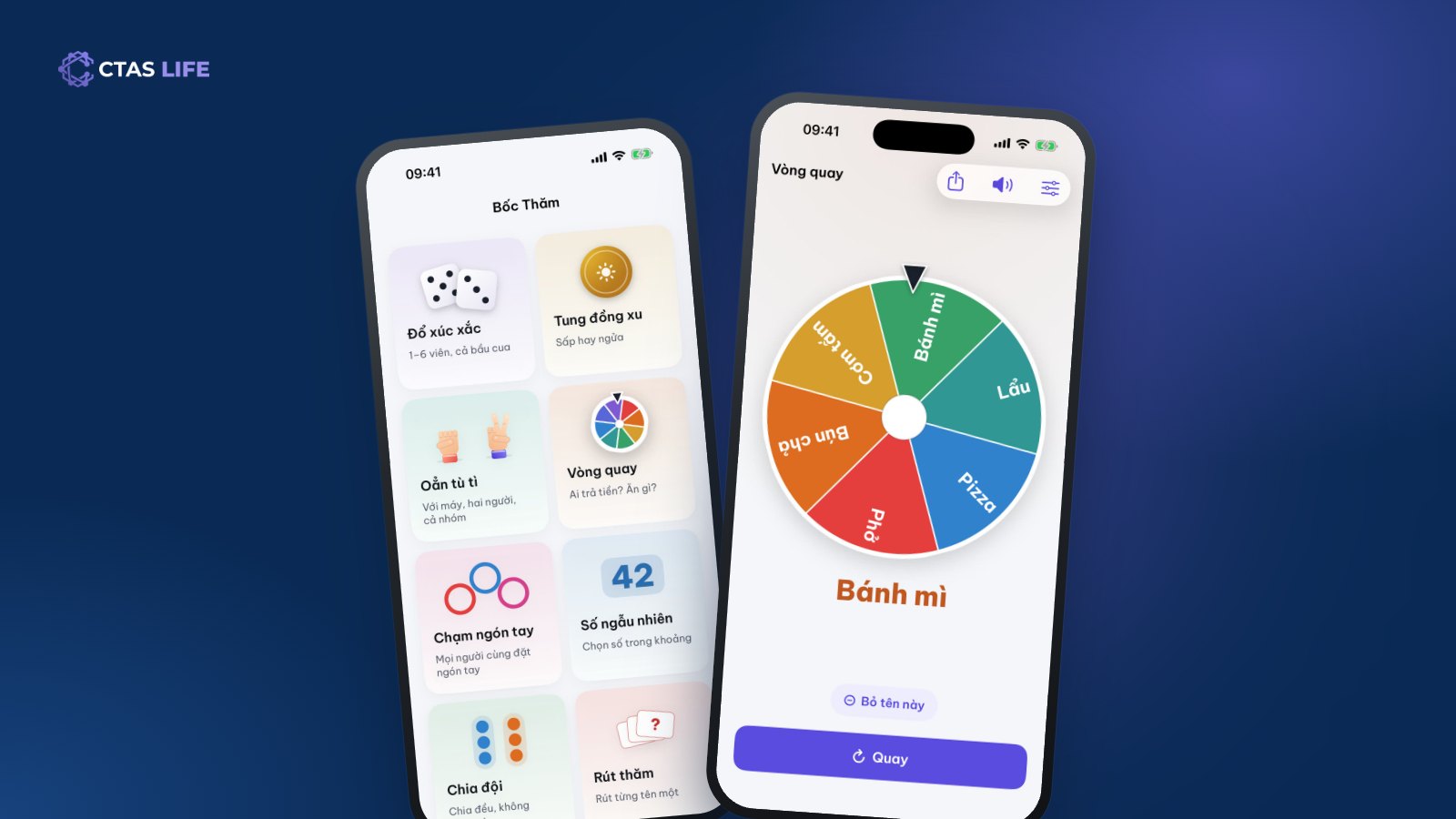
Sunday morning, ten people turn up for football and everyone wants to be on the best player’s team. Friday night, the group stands at the food street and every answer to "what shall we eat?" is "anything". After dinner nobody wants the dishes. Moments like these are fastest and most fun when chance decides — as long as everyone sees it is fair. Lucky Draw in CTAS Life has eight ways to pick at random, each suited to a situation.
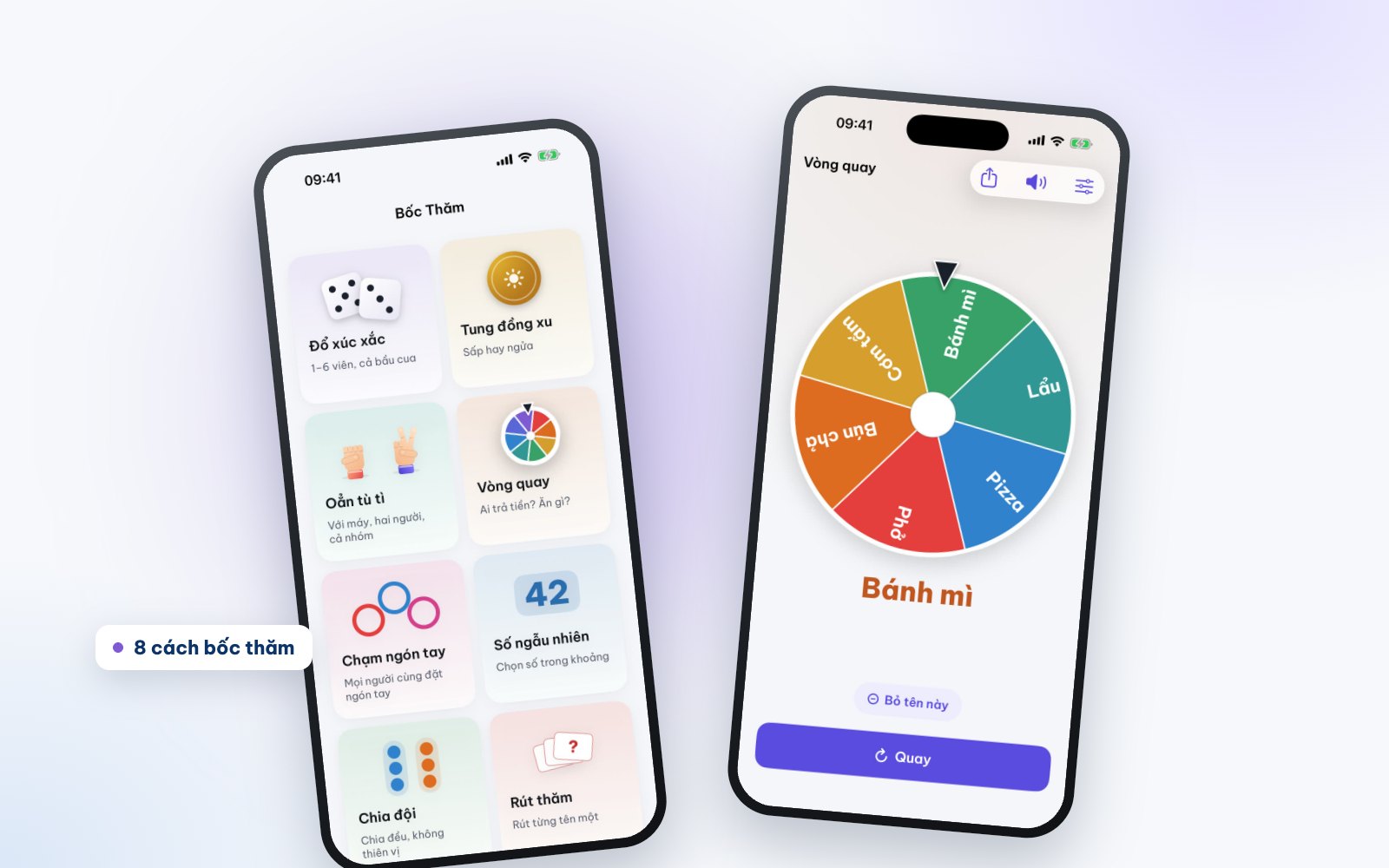
8 lucky draws and when to use them
1. Wheel – pick a dish, pick a person
Enter the options (Phở, Bánh mì, Hotpot, Pizza…) or take member names straight from a TriTri group, then tap Spin. Best with three or more options and everyone watching one screen. Tap Remove this name to keep spinning the rest — say, to set the karaoke order.
2. Team split – football, games, group work
Enter the people and the number of teams and the app splits them evenly, without bias. Good for football, doubles badminton, study groups or sharing out the house cleaning.
3. Finger pick – quick picks around a table
Everyone puts a finger on the screen and a few seconds later the app picks one person (or several, or splits teams). No typing names, just one phone in the middle of the table — perfect for choosing who buys the drinks.
4. Dice – board games and gourd-crab-fish
One to six 3D dice roll on screen, including the gourd-crab-fish faces for Tết. Shake the phone to roll. No need to carry dice.
5. Coin flip – two options
Heads or tails, which team kicks off, which way to go. A 3D coin flips and lands; the answer is clear in a second.
6. Random number – draw a number
Pick a number in a range you set, such as 1 to 40 to call on a student at random, or to set the order of presentations.
7. Draw lots – everyone draws a slip
Enter the slips (chores, gifts, roles in a game) and people draw one at a time. Great for a Christmas Secret Santa or sharing out tasks before a wedding party.
8. Rock-paper-scissors – head to head
Rock, paper, scissors against the phone, between two people or with the whole group — the quickest referee when it comes down to two choices.
Is it really random?
Yes. Lucky Draw uses the operating system’s secure random number generator, and the result is drawn before the animation starts. The slowing wheel and the tumbling dice are just the show; nobody can time a tap or tilt the phone to change the outcome.
Sound and plays
Each mode has its own sounds for fun; for silence, tap the speaker button in the top bar. The free version includes 30 draws a day across all modes, and works offline. Premium has no limit.
Just for fun
Lucky Draw helps a group decide, for fun. There is no betting, no real money and no prizes in the app.
Get CTAS Life and give it a spin
Lucky Draw is part of CTAS Life, free on the App Store and Google Play. On your phone? Tap get CTAS Life. TriTri, Spending and the Lunar Calendar are on the CTAS Life page.
Related articles
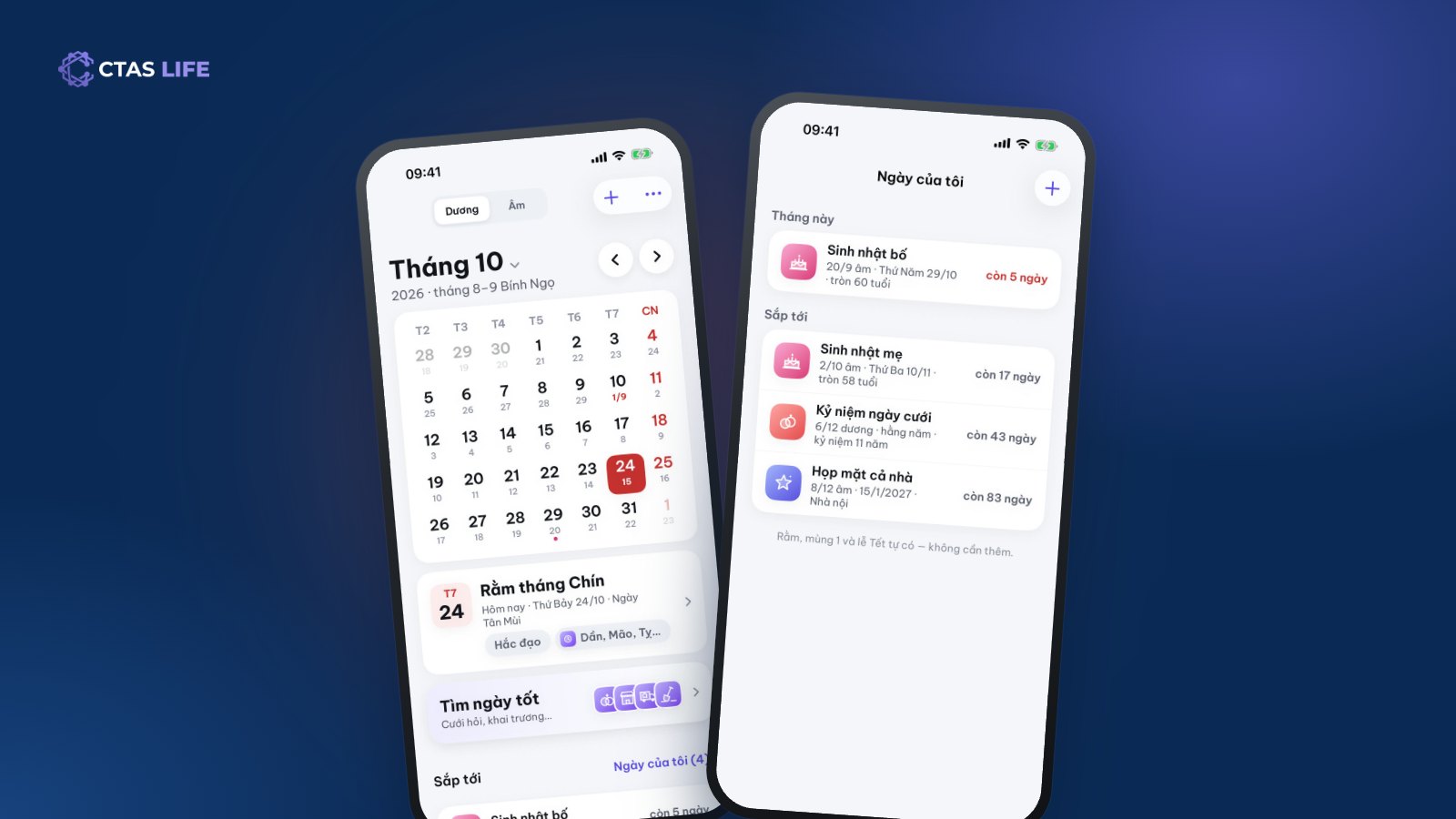
Never miss your parents’ lunar birthdays and family dates with the Lunar Calendar
A lunar birthday lands on a different solar date every year, which makes it easy to forget. How to save it once and be reminded on the right day for good, share a date book with the family and find good days for a wedding.
4 min read
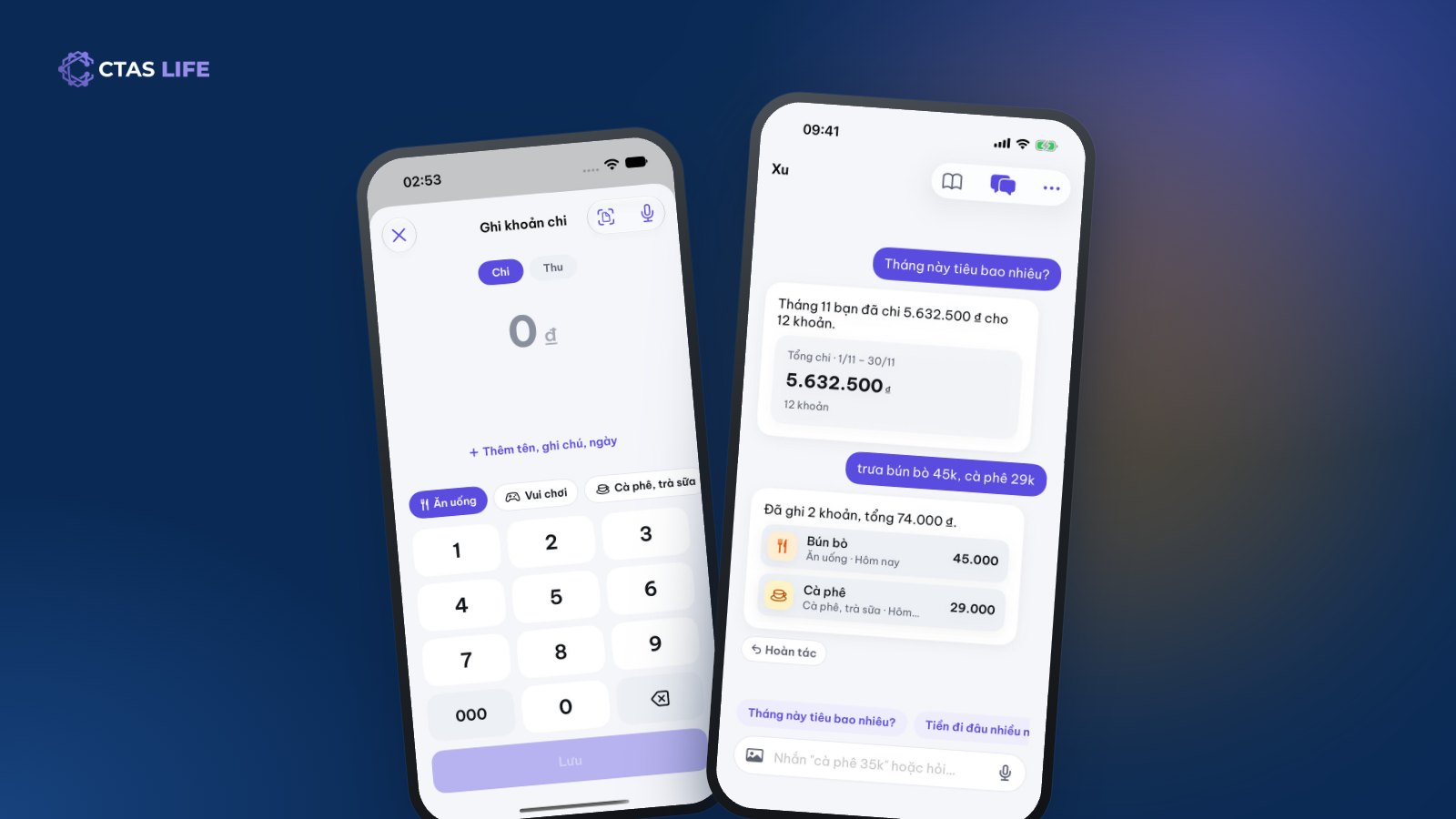
Track daily spending without giving up: send one message, let AI log it
Most people quit tracking spending within a week because it is a chore. How to keep the habit with Spending in CTAS Life: log in a few taps, type "noodles 45k" for Xu to log it, see where the month’s money went.
4 min read
How to split costs on a group trip: fair for everyone, awkward for no one
A shared fund or log-as-you-go? Equal shares or by item? A guide to splitting a group trip from planning to the final transfers, with a three-day Đà Lạt trip as the example.
4 min read