
What is CTAS Life? One app to split bills, track spending, check the lunar calendar and draw lots
6 min read
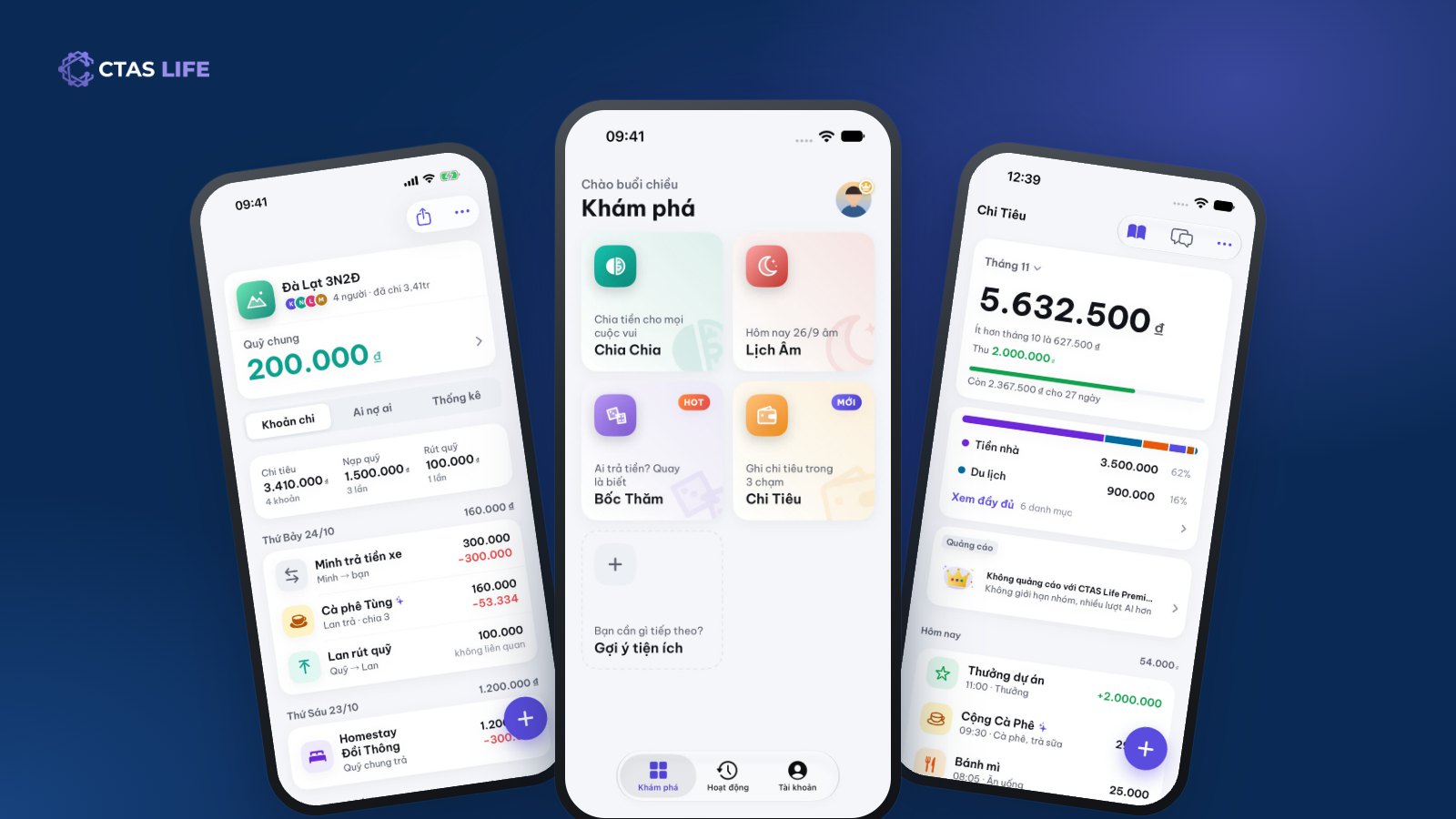
Some small jobs come up every week: adding up who paid what at the end of a trip, wondering at the end of the month where the salary went, remembering your mother’s lunar birthday only the day before, or five friends standing outside a restaurant with nobody willing to choose. Each job has its own app, but nobody wants five apps for five small things. CTAS Life puts them in one.
What is CTAS Life?
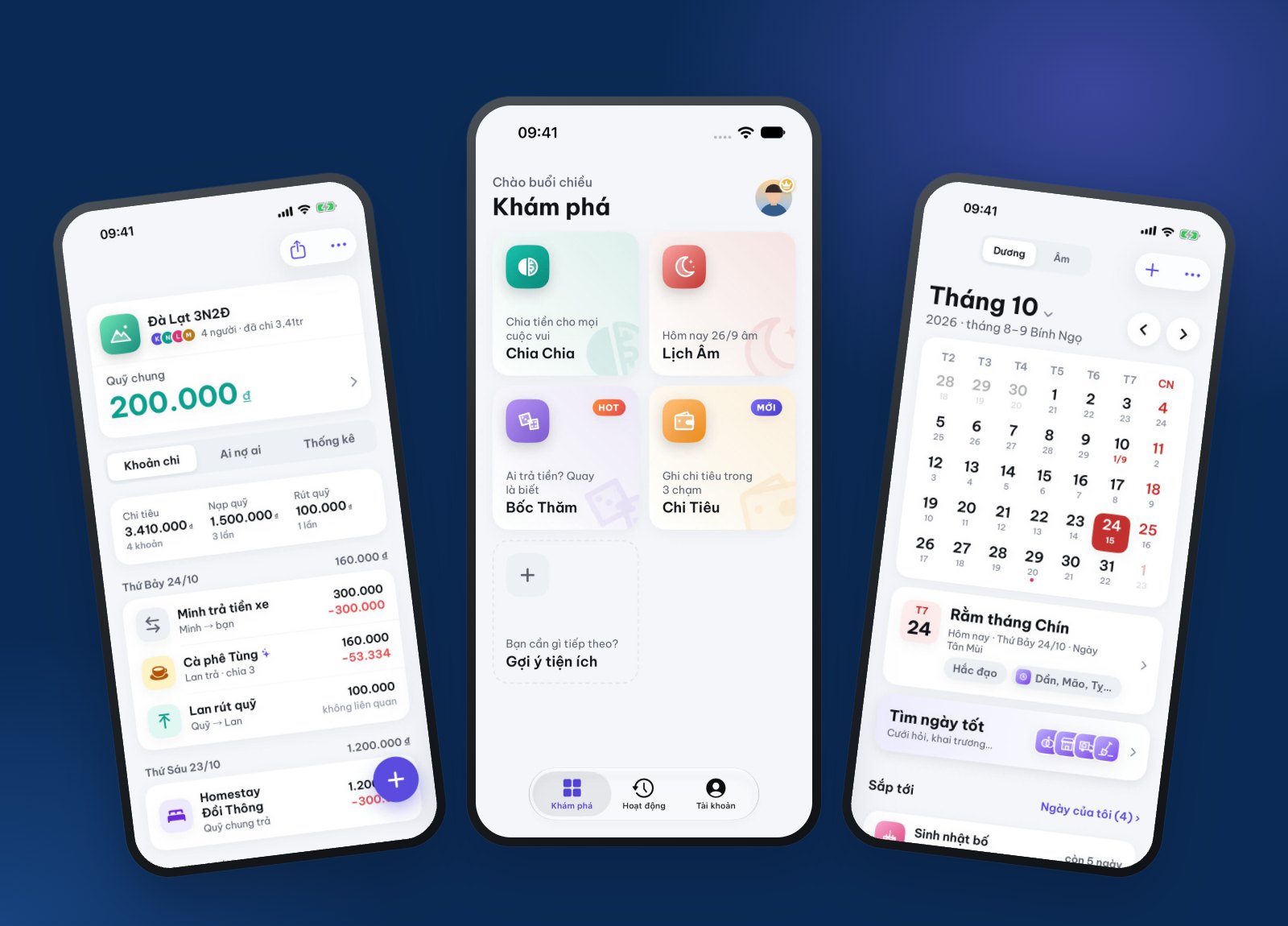
CTAS Life is a free everyday app for individuals and families, on iPhone, iPad and Android phones. Open it and you land on Discover with four tools, each doing one job well:
- TriTri (Chia Chia in Vietnamese) – split costs when you travel, live or eat together.
- Spending (Chi Tiêu) – your personal expense book, with an AI assistant called Xu that logs and answers for you.
- Lunar Calendar (Lịch Âm) – lunar and solar dates, good days, and reminders for lunar birthdays and family dates.
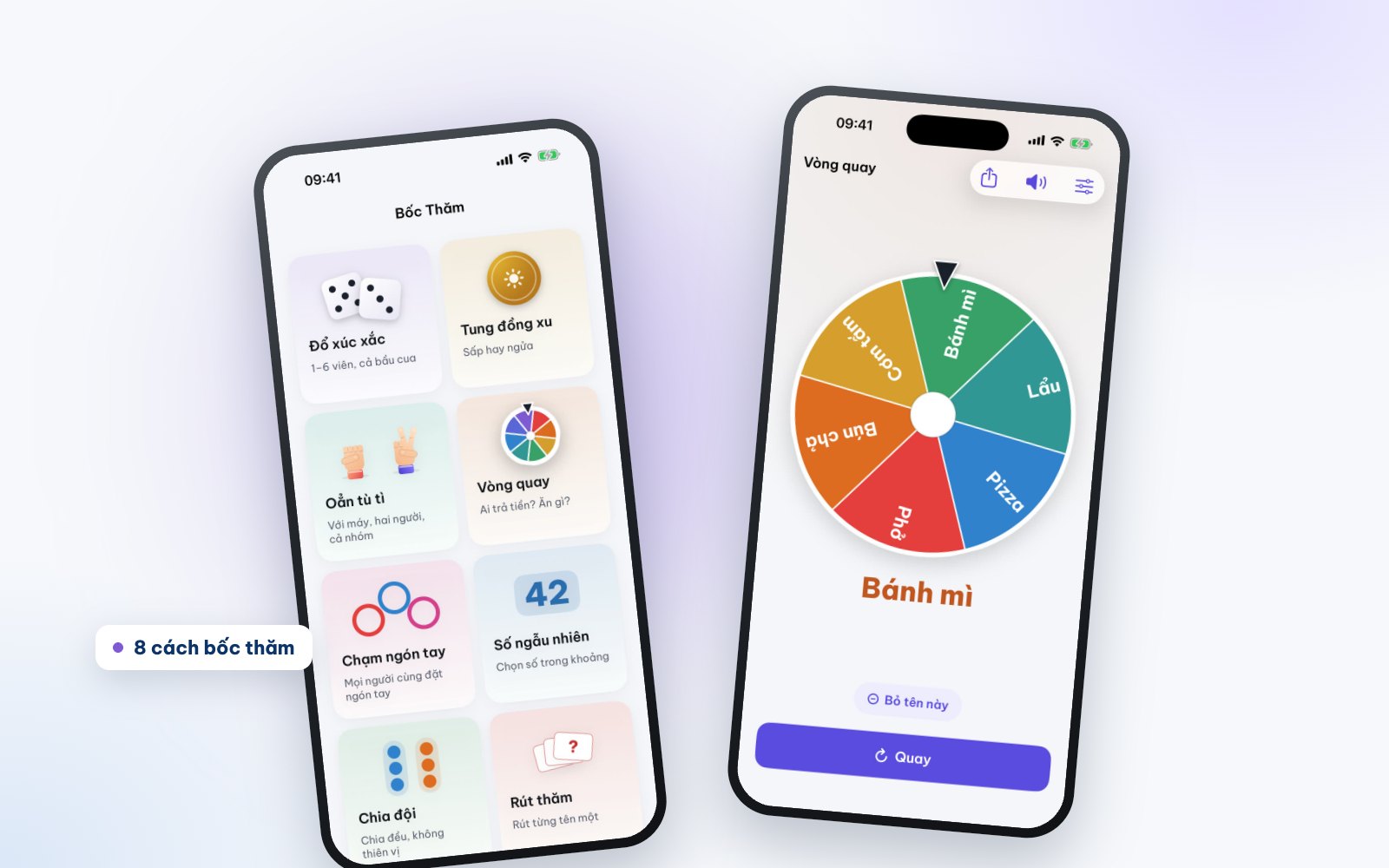
- Lucky Draw (Bốc Thăm) – eight ways to pick at random when the group needs an answer.
You do not need to sign up to start: the app creates a guest account for you. When you want another phone, or to keep your data when you switch, create a CTAS account and every group, expense and saved date comes along.
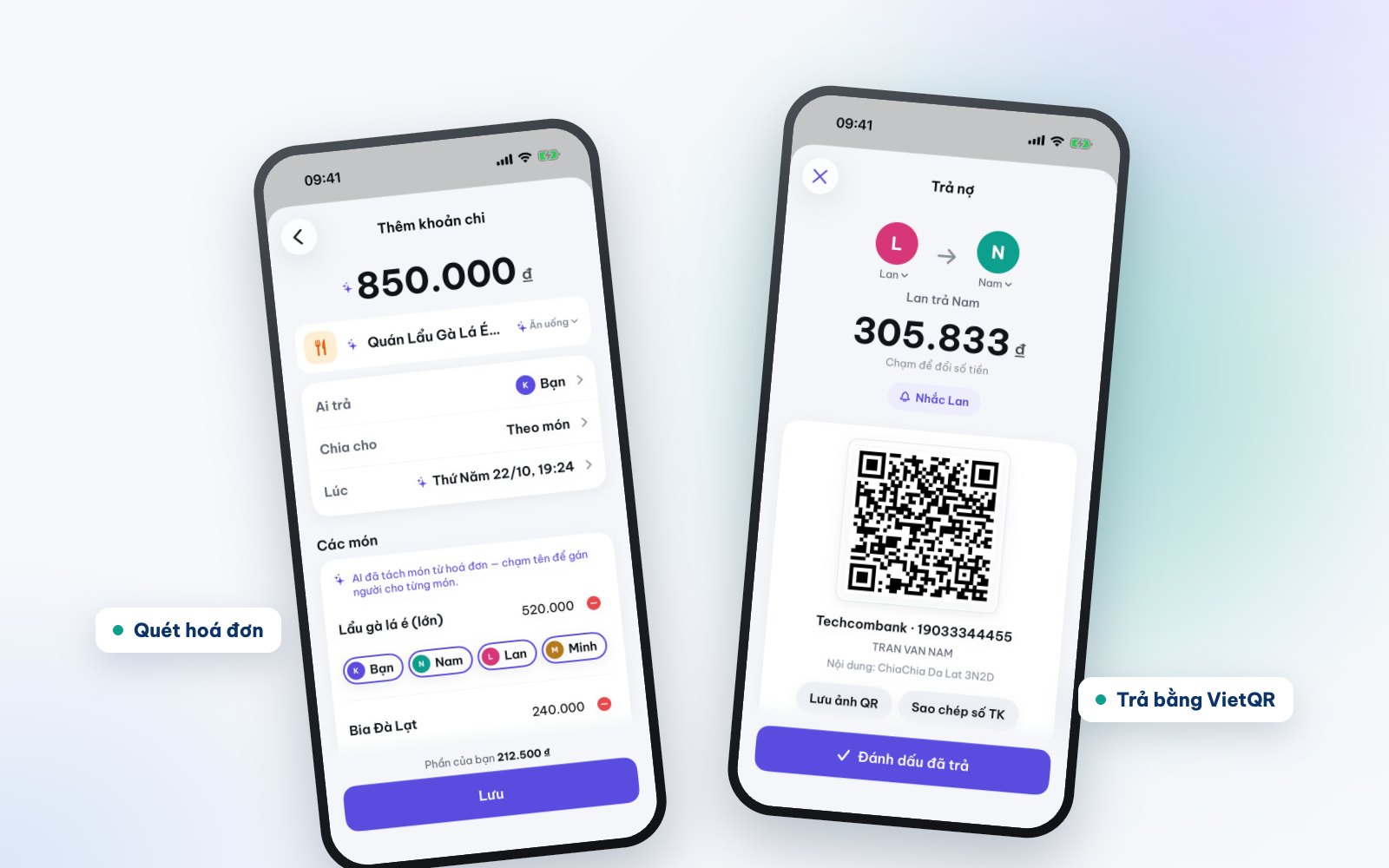
TriTri: have fun together, split without the awkward talk
Create a group for a trip, a shared flat or a party and invite friends with a 6-character code or a link. Note who paid for what: split equally, by percentage, by amount, or item by item when everyone ordered something different. A group can have a shared fund: everyone chips in first, spending comes out of the fund, and the app shows what is left.
The two fastest ways to log are bill scans and saying one sentence. Photograph a restaurant bill and AI reads each item and price; you tap who had what. Or hold the mic and say "Hotpot 850k, Nam paid, split equally" and the expense is filled in. At the end, TriTri works out who owes whom, suggests the fewest transfers, and creates a VietQR code to pay with your own banking app.
For a worked example, read How to split costs on a group trip.
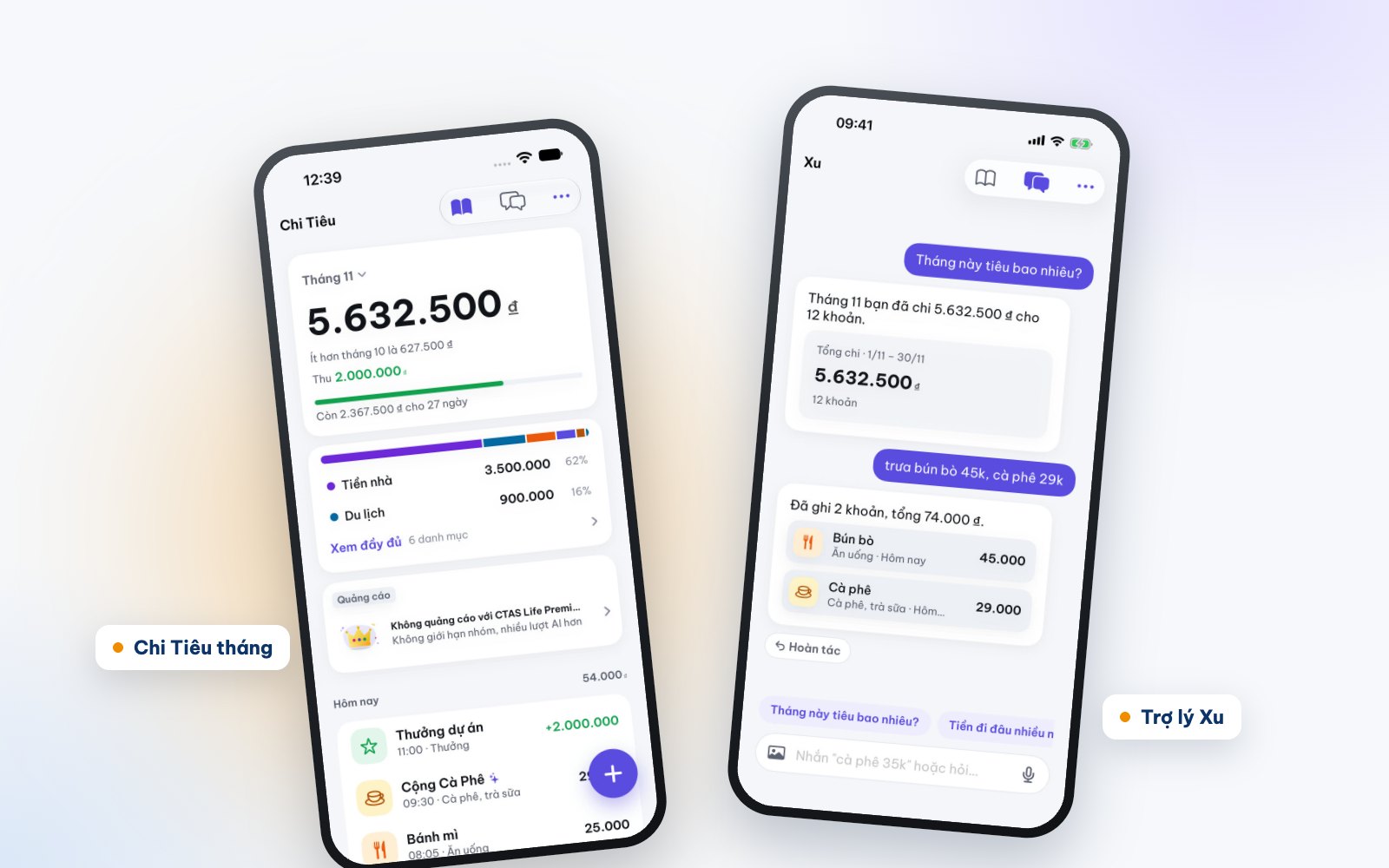
Spending: type "noodles 45k" and Xu logs it
Spending is the newest tool in CTAS Life. It is your own expense book: log an expense in a few taps, see totals by month and by category, set a monthly limit, and let recurring costs like rent and internet log themselves. Too lazy to tap? Send the assistant Xu a sentence such as "lunch noodles 45k, coffee 29k" and Xu logs two expenses. You can also ask "how much did I spend this month?" or "where does most of my money go?".
Your share of TriTri groups is added to Spending automatically, so the hotpot you split with friends never needs logging again and is never counted twice. More in Track daily spending with an AI assistant.
Lunar Calendar: remember the family’s dates
The month view shows both solar and lunar dates, with auspicious days and hours, full moons, first days and the holidays. Save your parents’ lunar birthdays, wedding days and family anniversaries once; the app works out the solar date every year and reminds you ahead with a notification or an alarm. The family date book is one book the whole family shares: when anyone adds a date, everyone is reminded. There is also a good-day finder for weddings, openings and moving house, and widgets for the home screen.
See how to set it up in Never miss your parents’ lunar birthdays.
Lucky Draw: decide for fun
A wheel, dice (with the Vietnamese gourd-crab-fish faces too), a coin flip, finger pick, a random number, team split, drawing lots and rock-paper-scissors. Who pays, who washes up, which team kicks off – spin and see. The result is drawn at random first and only then animated, so nobody can nudge it. Lucky Draw is just for fun: no betting, no real money. Which one to use when is in 8 ways to decide at random as a group.
What is free, and what does Premium add?
Most of CTAS Life is free: create up to 3 groups, unlimited spending entries and stats, the full lunar calendar and 30 lucky draws a day. The free version shows small ads.
AI features (bill scans, spoken or typed entries, the Xu assistant) run on credits: a bill scan is 3 credits, one entry 1 credit, each Xu reply 1 credit; a failed AI request costs nothing. Every account gets 30 free credits a month, and new accounts get 20 welcome credits for their first 7 days.
Premium removes ads, adds 600 credits a month (150 a week on the weekly plan) and lifts the limits on groups, draws and good-day searches. It costs 29,000 VND a week, 59,000 a month or 399,000 a year; the yearly plan has a 7-day free trial for new subscribers. Prefer no subscription? Credit packs start at 25,000 VND, and credits you buy never expire.
Your data
CTAS Life never holds or moves anyone’s money: a VietQR code is just an image you pay with in your banking app. CTA Solution does not sell personal data, and you can delete your data or your account in the app at any time. Details are in the CTAS Life privacy policy.
Get CTAS Life
CTAS Life is free on the App Store for iPhone and iPad and on Google Play for Android phones. Reading on your phone? Tap get CTAS Life to open the right store, or see the CTAS Life page.
Related articles
Attendance software for cafés: 7 things it must do
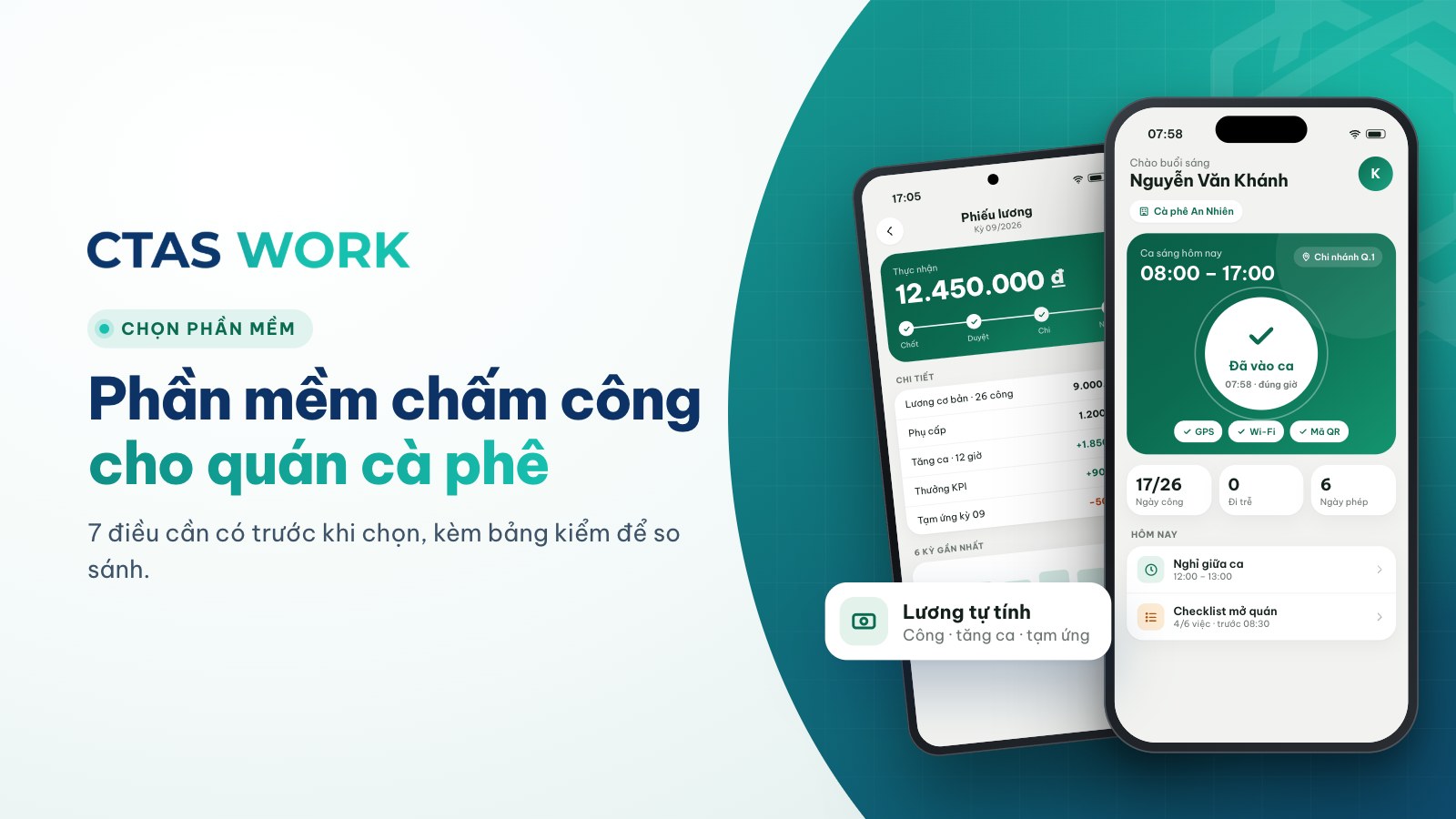
Phone clock-in, flexible scheduling, hourly pay with overtime, in-app requests, remote multi-branch view — a checklist before you choose.
3 min read
Phone attendance apps: 7 questions to ask before choosing
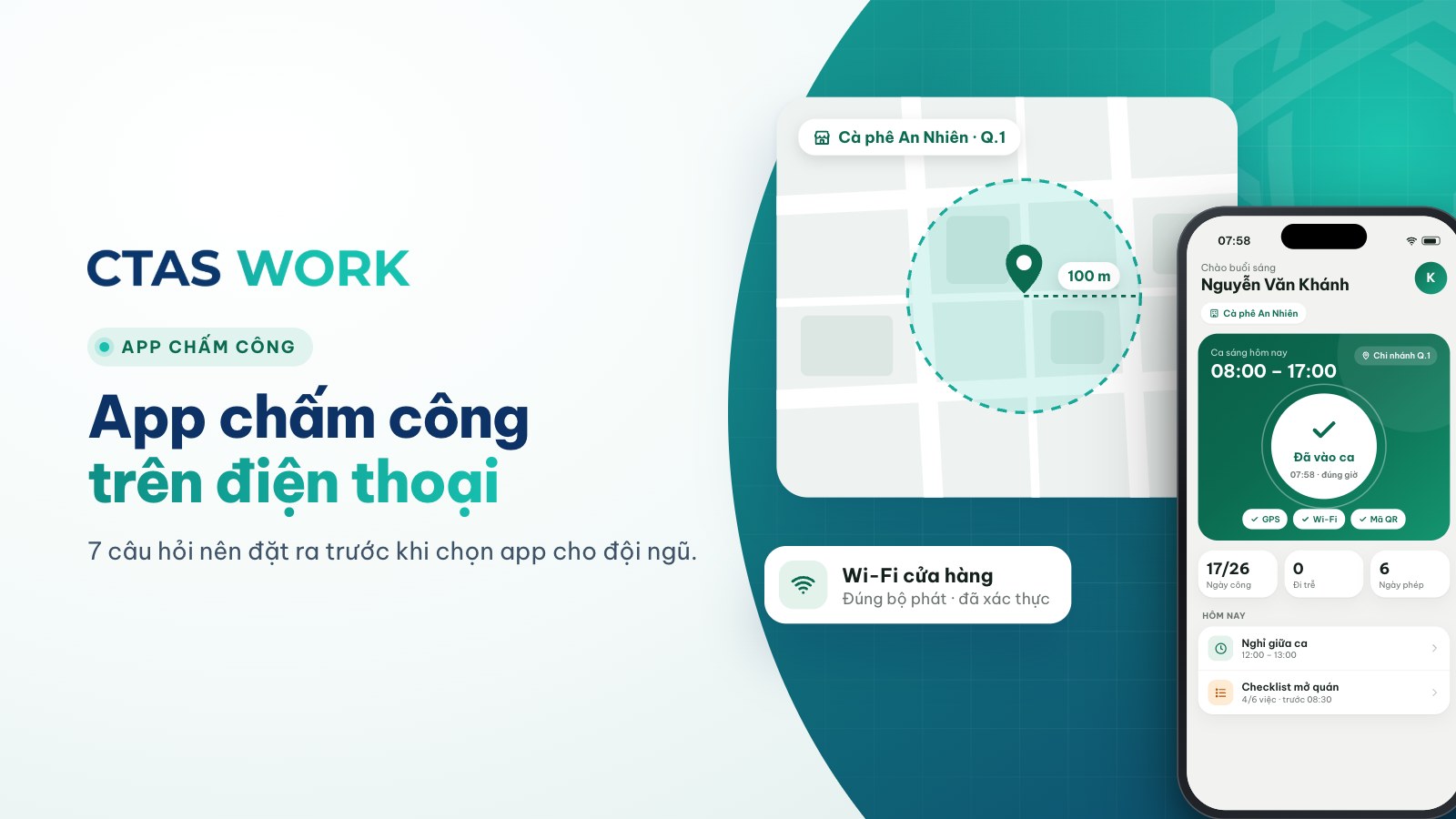
GPS and Wi-Fi anti-buddy-punching, background tracking, payroll link, missed clock-ins — seven questions before you pick an app.
3 min read
What is CTAS Course? An online course marketplace for working people and businesses
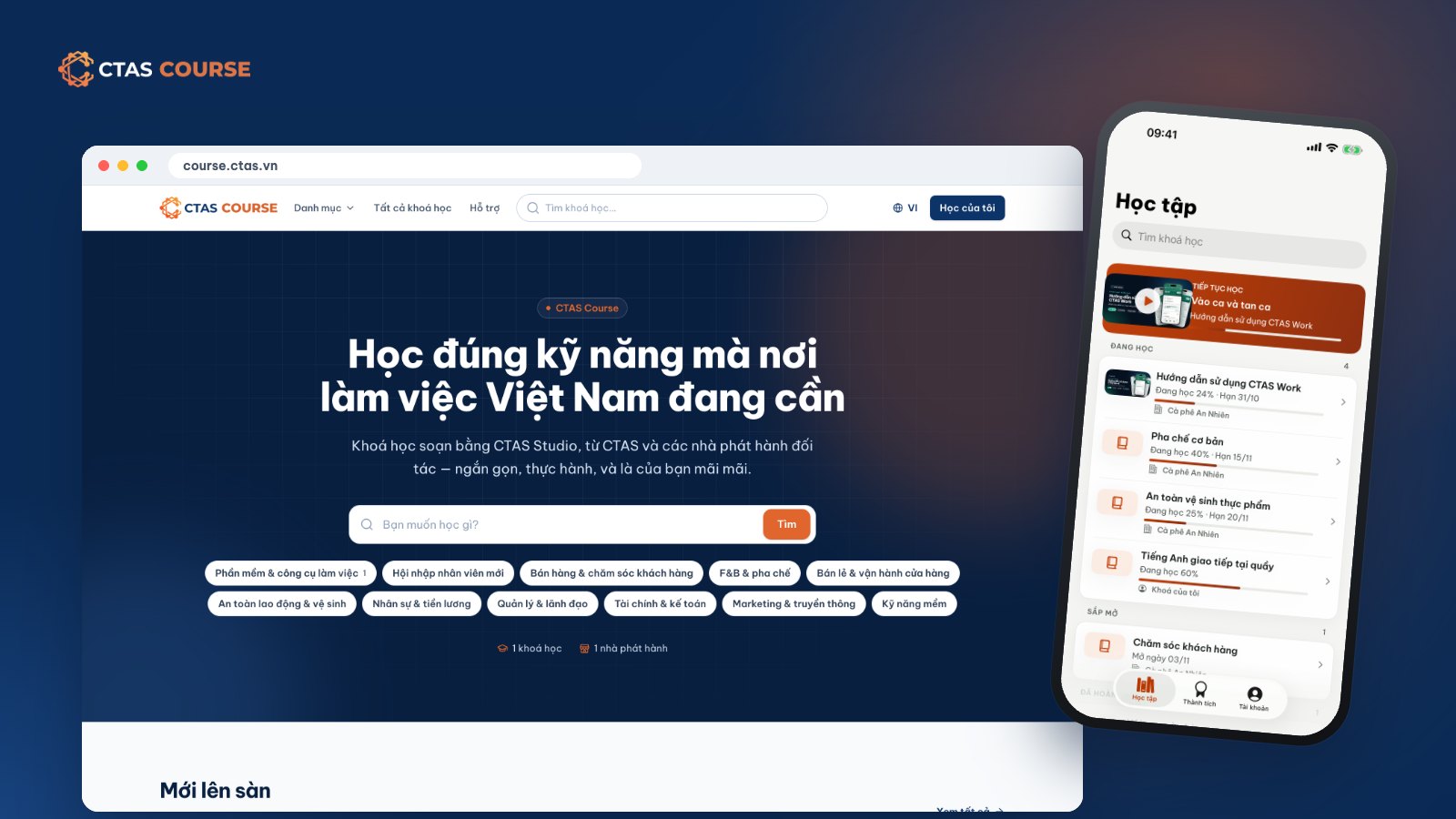
CTAS Course is an online course marketplace for working people, where businesses train staff and trainers open stores to sell courses. How it works and how to learn.
6 min read