
Microlearning: why 1–2 minute videos suit shift workers
5 min read
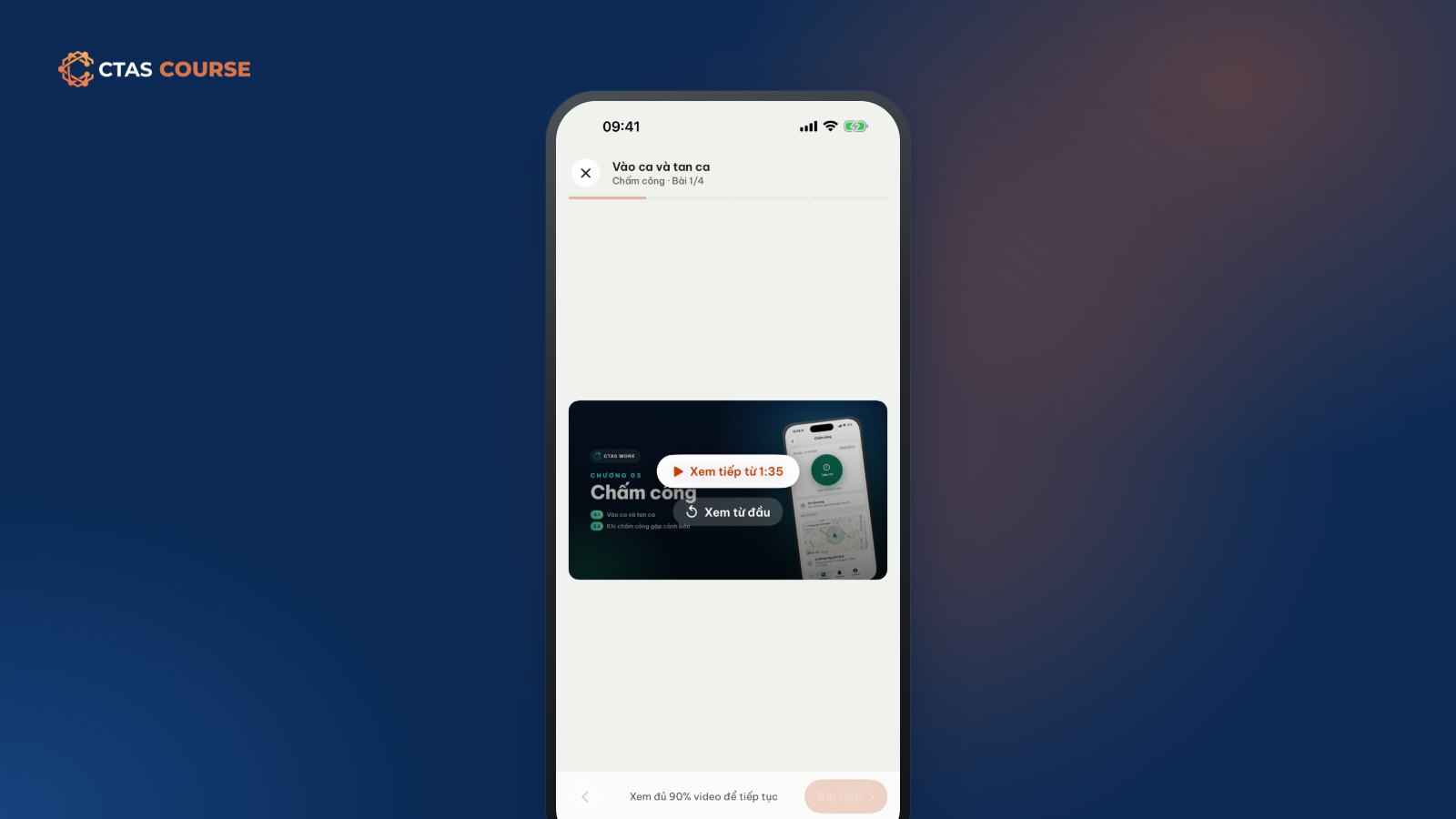
You send staff a 40-minute training video and say “watch it when you have time”. A week later almost nobody has finished it. Not because they are lazy: shift workers — servers, baristas, cashiers, sales staff — rarely get 40 uninterrupted minutes. Their time comes in pieces: a ten-minute break, the wait before handover, the commute. Training that doesn’t fit those pieces doesn’t get done. That is why microlearning — learning in very short lessons — suits shift-based staff training so well.
What is microlearning?
Microlearning splits training into very short lessons, each covering one idea or one task, finished in a few minutes. Instead of one long “Service procedure” session you have “Greeting and seating guests”, “Taking an order from an undecided guest”, “When a dish is late”. Each lesson stands alone, has a clear name and is easy to come back to.
Why 1–2 minute videos suit shift workers
- They fit real breaks without being cut off halfway.
- One idea is easier to remember than a dozen steps from several procedures.
- Easy to look up on the job. Forgot a recipe amount? Open that lesson and rewatch one minute.
- Easy to update. A recipe or rule changes — reshoot one short lesson, not a whole session.
- Comfortable on a phone, in the mobile learning app staff already use.
How to break content down
- List tasks, not topics: “open the till”, “check the rota in the app”, “make peach tea”.
- One task per lesson. If it needs more than 3 minutes, it is probably two tasks.
- Name lessons with verbs: “Request leave in the app” beats “Part 4 – Leave”.
- Group lessons into chapters by situation: “Start of shift”, “During shift”, “End of shift”.
- End chapters with a few questions: a 3–5 question quiz helps staff check themselves and shows managers who needs help.
A real example: CTAS Work – User guide for staff
CTAS builds its own guides this way. The free course CTAS Work – User guide for staff teaches employees to use CTAS Work for clocking in, checking shifts and everyday tasks. It has:
- 10 chapters grouped by what staff do in the app.
- 19 short videos, each on one task.
- About 22 minutes in total — just over a minute per video on average.
- Captions on every video.
New hires don’t spend half a day learning the app: they watch “clock in” before their first shift and “request leave” when they need it.
Build microlearning for your store
With CTAS Studio you need no production team:
- Film on a phone, upload, add .vtt captions.
- Use slide lessons for visual content; import a PDF handbook as slides.
- Add short end-of-chapter quizzes, importing questions from Excel.
- Publish internally, assign by person or department, set a due date.
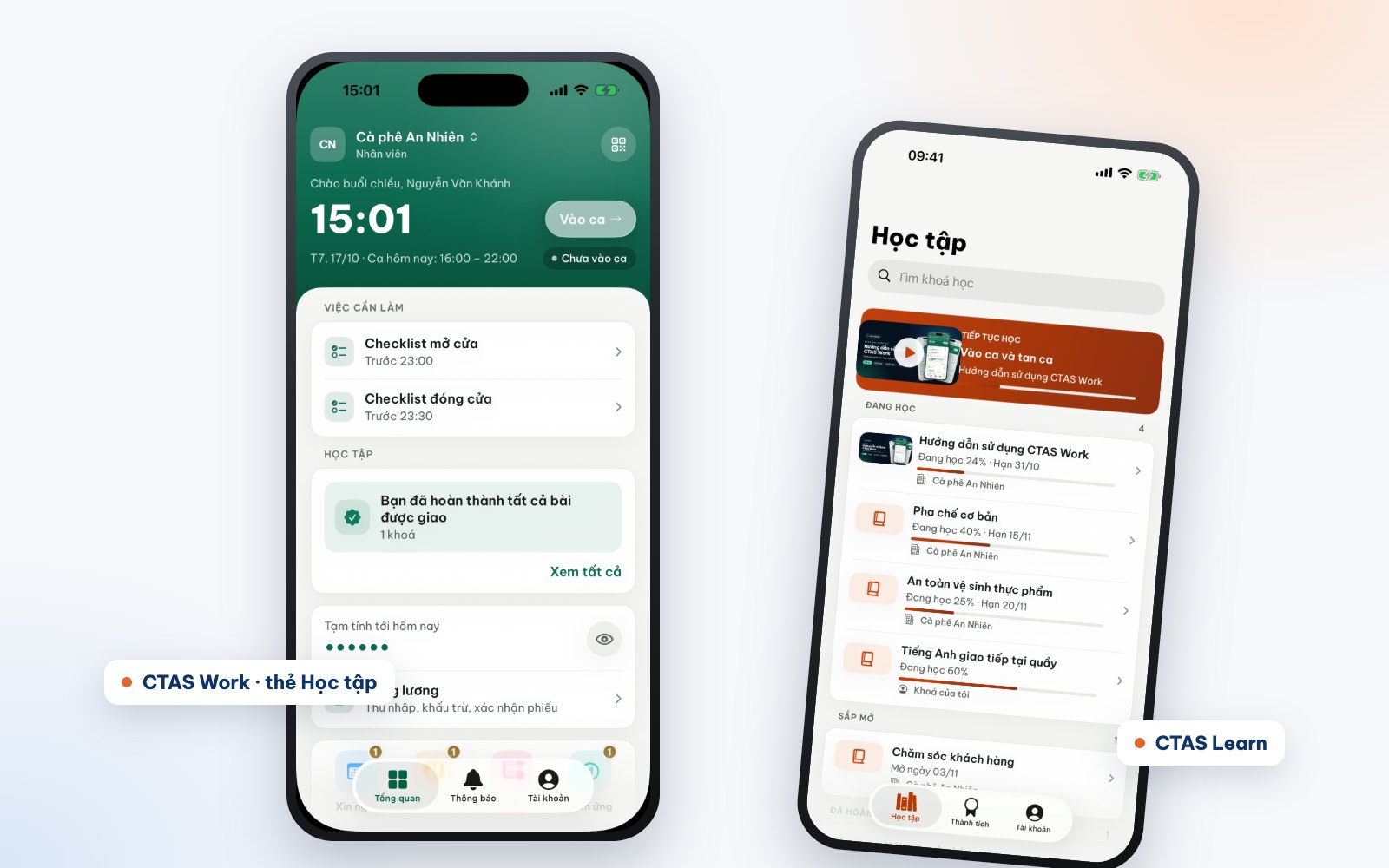
Staff learn in the CTAS Work Learning tab or CTAS Learn, and videos remember where they stopped. Step-by-step guides: How to create an online course with CTAS Studio and Online onboarding for new employees.
Keeping microlearning from becoming fragmented
- Keep a path: short lessons still need a clear order.
- It doesn’t replace coaching: managers still need to work alongside new staff.
- Not every topic fits: management skills or complex situations may need longer lessons or discussion.
- Measure by what people can do on shift, not by videos watched.
Try it first
The easiest way to feel microlearning is to take a course built that way. Open CTAS Work – User guide for staff, watch a few videos, and think about which store routine could become a one-minute lesson. Learn more at ctas.vn/en/course.
Related articles
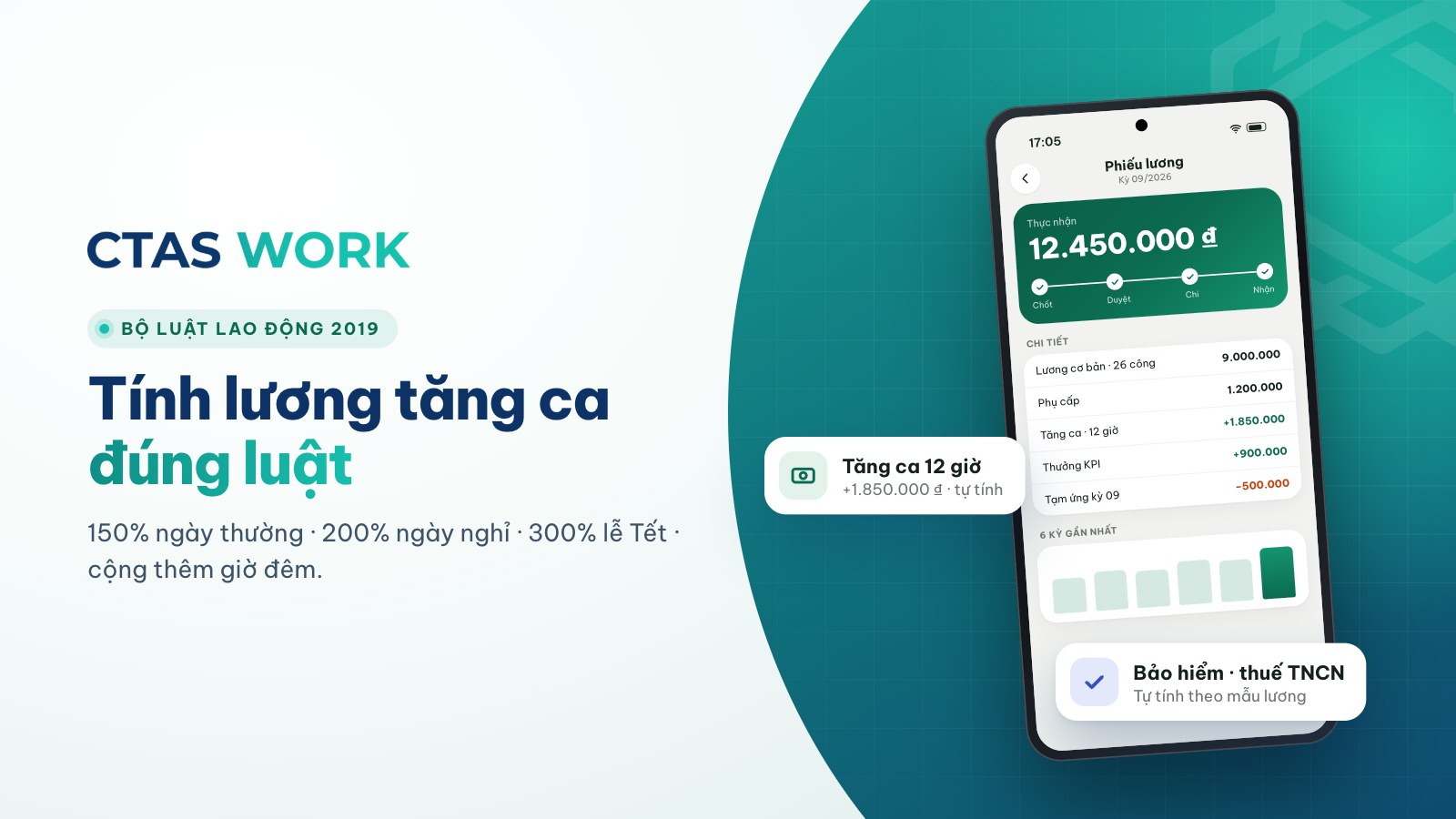
Overtime pay under Vietnam's 2019 Labour Code, with a worked example
150% on weekdays, 200% on days off, 300% on holidays, plus 30% and 20% at night — each rate explained and calculated for a barista.
4 min read
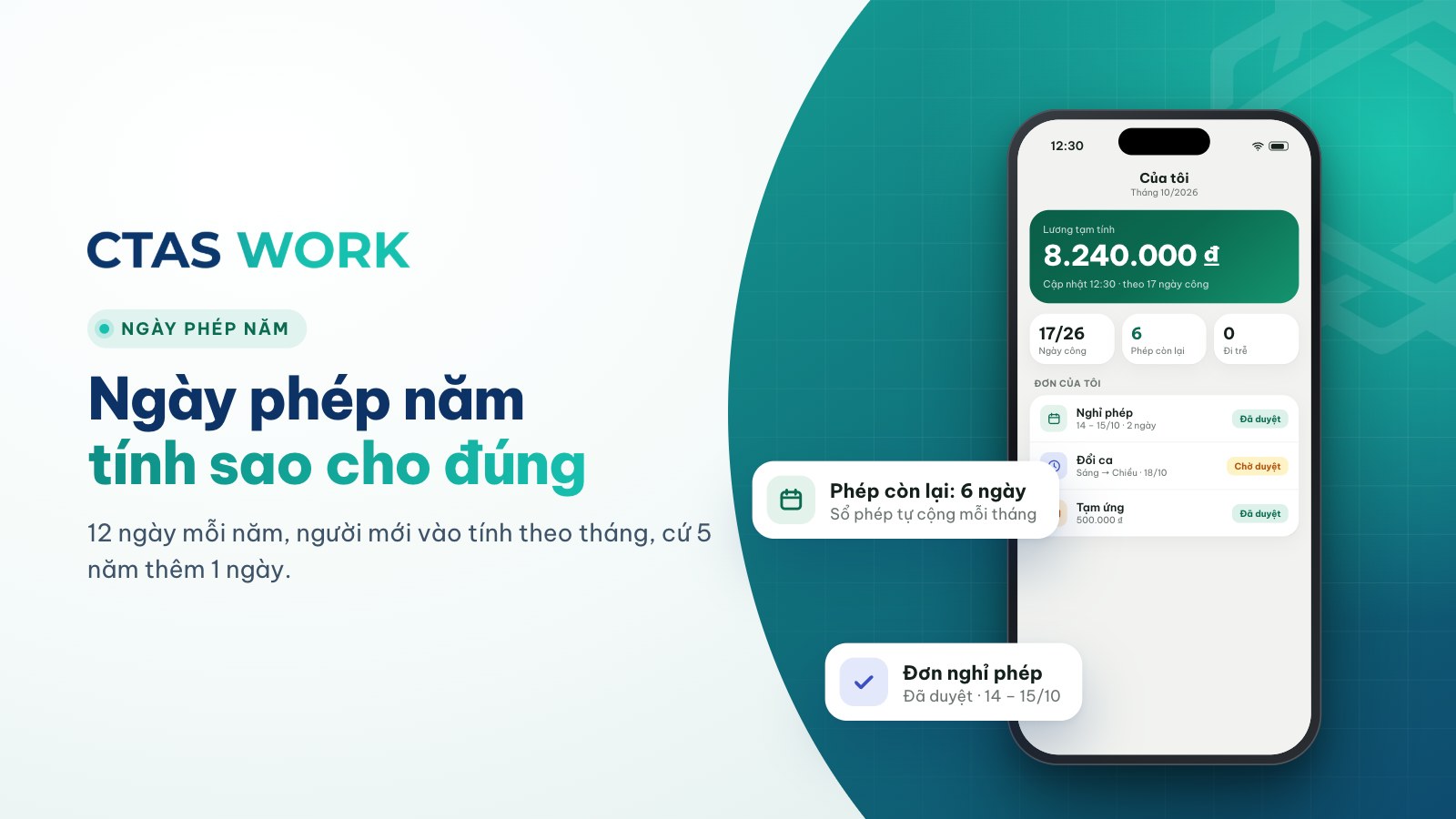
How to calculate annual leave: 12 days, part-year staff and seniority
Days per year, new starters, one extra day every 5 years, unused leave when someone leaves — plus three common shop situations.
4 min read
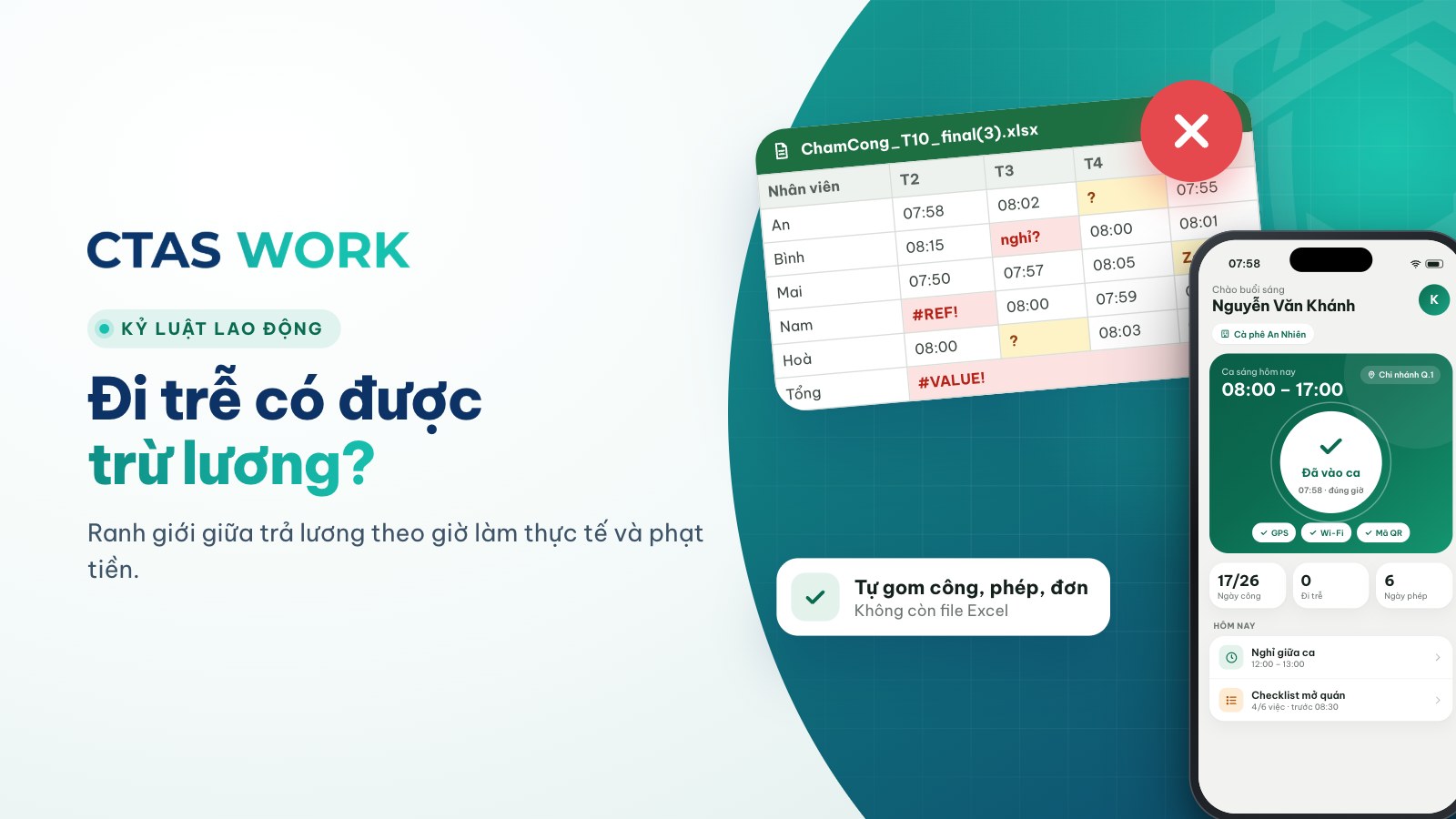
Can you dock pay for lateness? Paying for time worked vs. fining
The law bans fines and pay cuts as discipline. Is “15 minutes late, 50,000 VND off” wrong? How to handle lateness legally.
4 min read