
How to create an online course with CTAS Studio: from outline to release
5 min read
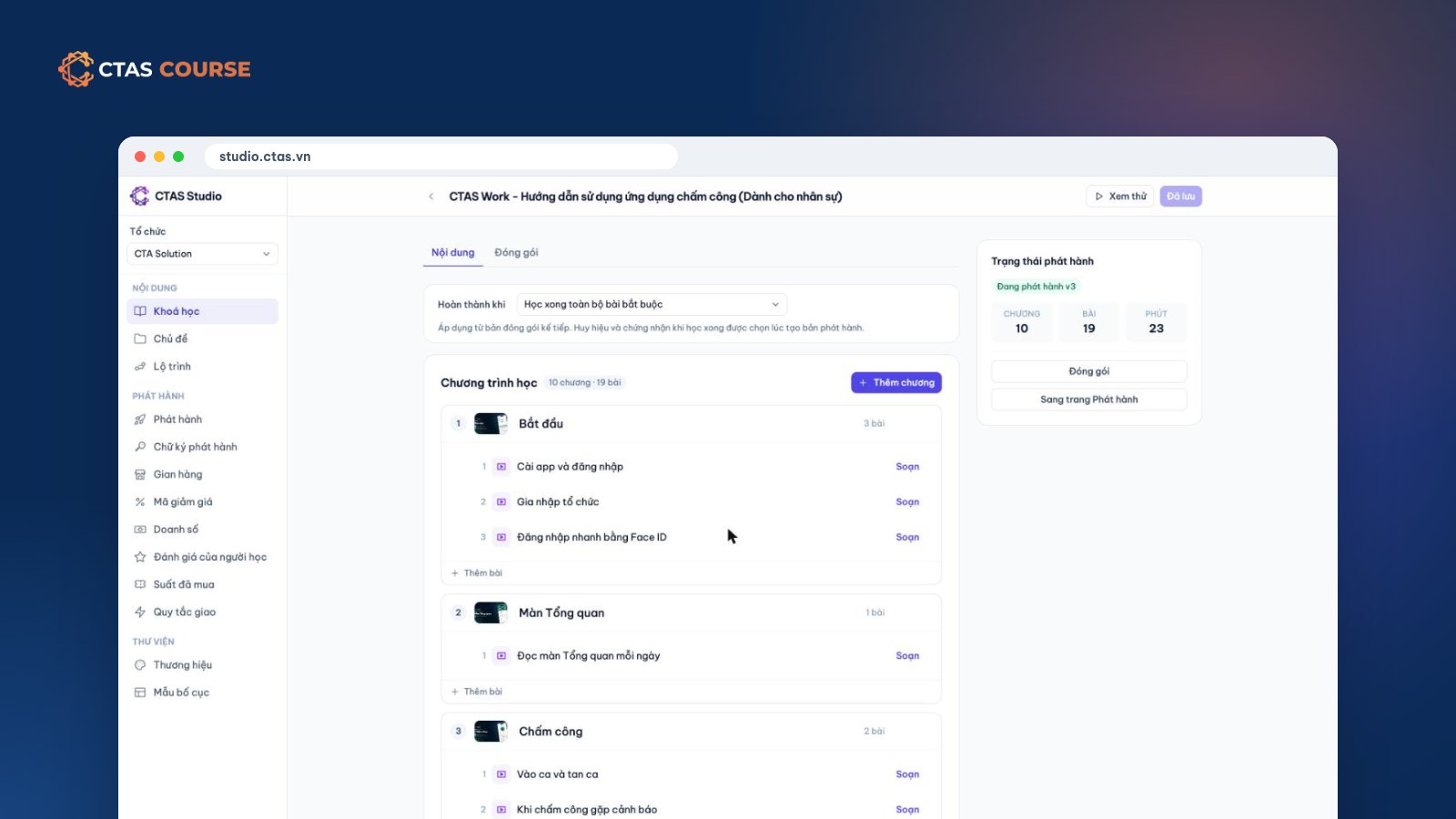
Many businesses already have the raw material for a course: a few training slide decks, a PDF process handbook, some phone videos, a spreadsheet of quiz questions. What is missing is one place to turn it all into a tidy online course you can assign to staff or sell to others. This guide shows how to create an online course with CTAS Studio, from outline to release.
What is CTAS Studio?
CTAS Studio is where businesses and trainers build courses and publish them internally or to the CTAS Course marketplace, all in the browser. The CTAS Studio plan costs 990,000 VND/month or 9,490,000 VND/year and includes every authoring and internal-training feature plus 50 GB of storage; extra storage is 50 GB (249,000 VND/month) or 200 GB (890,000 VND/month). It is one price for the whole organization with up to 60 learners and 20 departments; beyond that, CTAS Studio Enterprise is priced by contract.
Step 1 – Outline: chapters and lessons
A course in CTAS Studio is made of chapters, each with lessons. A good outline answers three questions:
- What can learners do after the course that they could not before?
- Which steps get them there? Each step is a chapter.
- Which small tasks make up each step? Each task is a lesson.
Keep lessons short, one idea each — easier on a phone and easier to update. Larger programs can become a multi-course learning path, and for knowledge people look up lesson by lesson, Studio offers topics.
Step 2 – Choose lesson types
- Slide lessons built in Studio’s slide editor.
- Video: upload, stream online, add captions with a .vtt file.
- PDF documents for rules, forms and handbooks.
- Quizzes and exams with a pass mark and optional time limit.
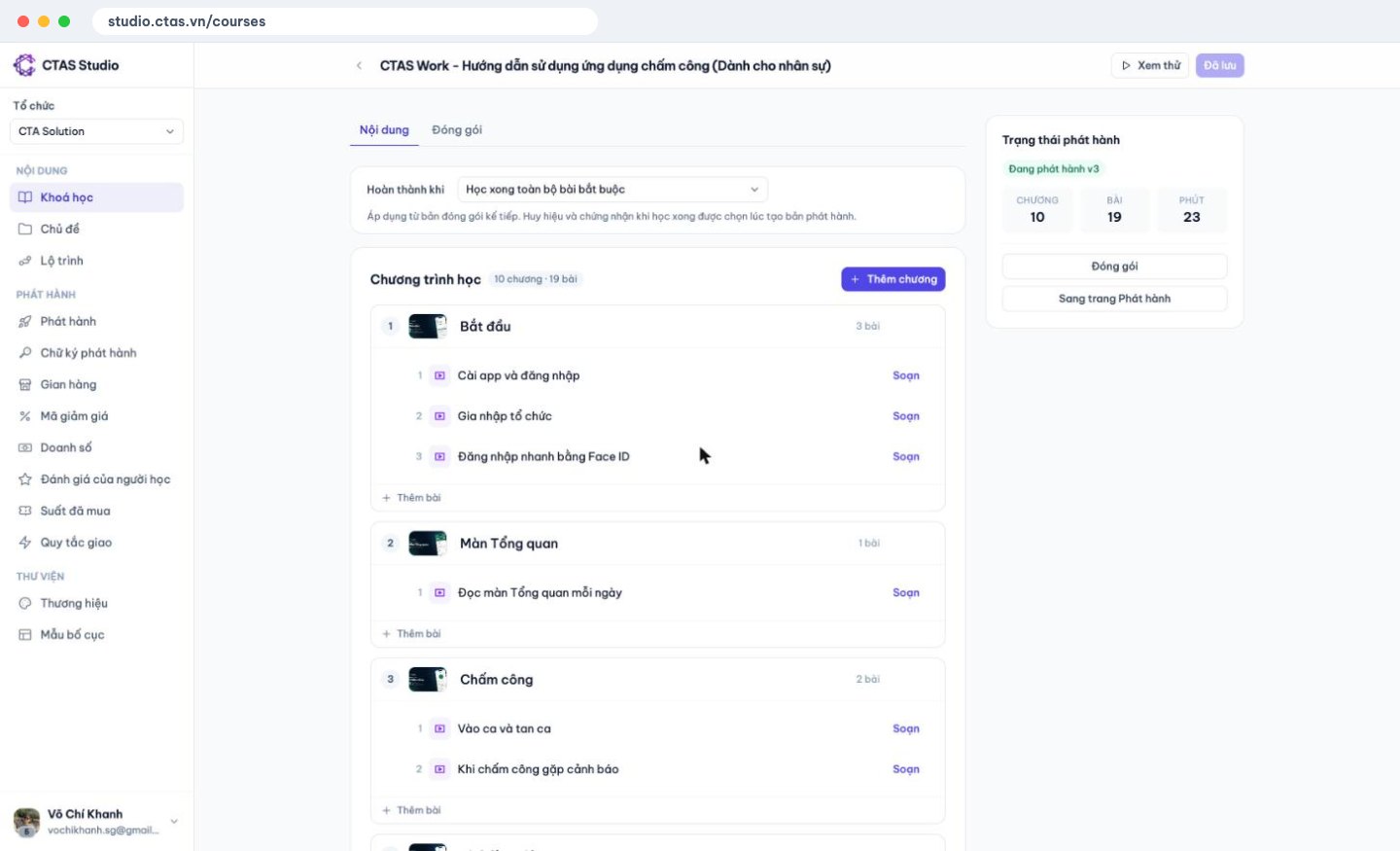
Step 3 – Reuse what you have: import PDF as slides
Old training material in PDF (including slide decks exported to PDF)? Use PDF import: each page becomes a slide. Reorder, drop what is outdated and add new slides. It is usually the fastest way to a first version of an internal training course.
Step 4 – Video and captions
- One task or idea per video; 1–3 minutes is usually right.
- A phone is fine with a steady frame, good light and clear sound.
- Always add captions — learners often watch where sound is not an option.
Video takes most of your storage, so trim before uploading. See Microlearning: short videos for shift workers.
Step 5 – Quizzes imported from Excel
Instead of typing every question, import questions from Excel or JSON. Then set a pass mark, an optional time limit, and whether the next chapter stays locked until the previous quiz is passed.
Step 6 – Branding and rewards
Apply your colors and logo. Set completion rewards — certificates and badges — and for internal training on CTAS Work, businesses can also tie a course-completion bonus to payroll. See Certificates and badges.
Step 7 – Package and publish
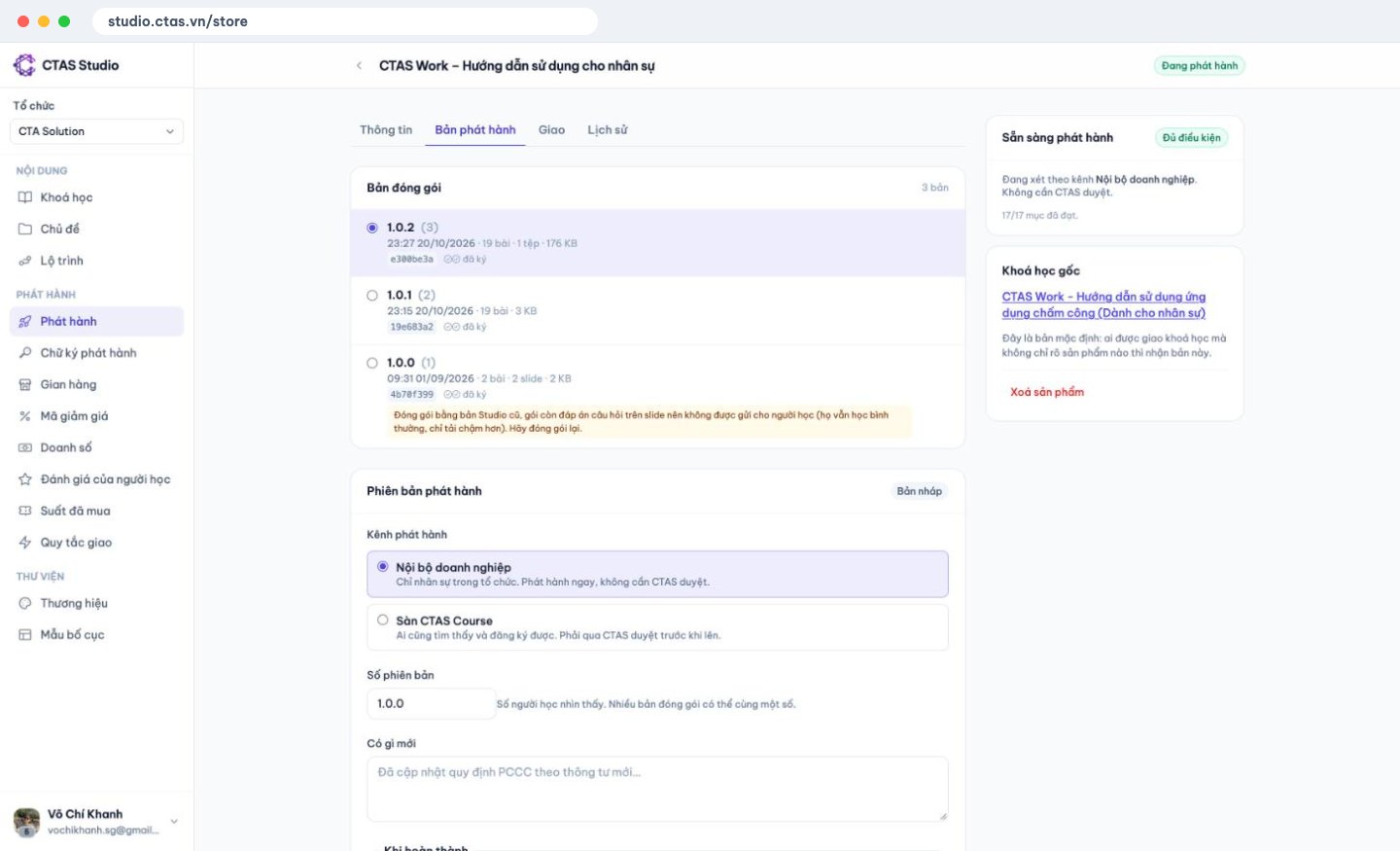
Publishing works much like shipping an app to the App Store. You package the course into a fixed snapshot that is digitally signed and encrypted, then choose a channel:
| Channel | Who sees it | Review |
|---|---|---|
| Internal | Staff in your organization | Live immediately, no CTAS review |
| CTAS Course marketplace | Everyone on course.ctas.vn | Reviewed by CTAS before listing |
Because each release is fixed, learners mid-course keep their version when you publish an update. One course can also be sold as several products with different prices and audiences.
After publishing
- Internal training: assign by person, department or automatic rules, set due dates and follow progress reports. Staff learn in the CTAS Work Learning tab or CTAS Learn. See Online onboarding for new employees.
- Selling: open a store and sign a contract first — see Selling online courses on CTAS Course.
Want to see a finished CTAS Studio course? Open the free CTAS Work – User guide for staff, or learn more at ctas.vn/en/course.
Related articles
Overtime pay under Vietnam's 2019 Labour Code, with a worked example
150% on weekdays, 200% on days off, 300% on holidays, plus 30% and 20% at night — each rate explained and calculated for a barista.
4 min read
How to calculate annual leave: 12 days, part-year staff and seniority
Days per year, new starters, one extra day every 5 years, unused leave when someone leaves — plus three common shop situations.
4 min read
Can you dock pay for lateness? Paying for time worked vs. fining
The law bans fines and pay cuts as discipline. Is “15 minutes late, 50,000 VND off” wrong? How to handle lateness legally.
4 min read