
Introducing CTAS Learn: a mobile learning app for iPhone, iPad and Android
5 min read
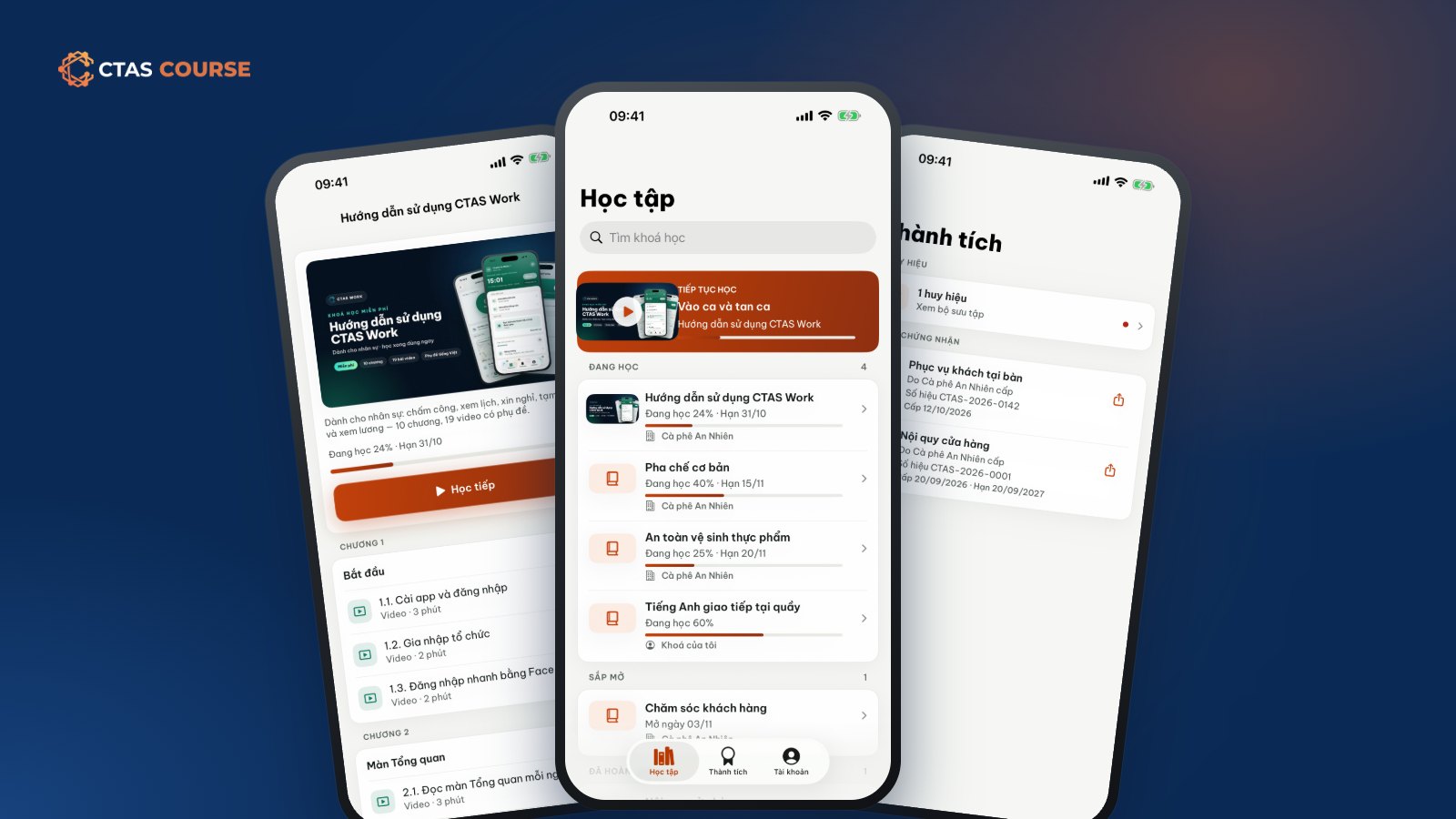
Most working people never get a whole evening at a desk to study. Real learning time is fifteen minutes on the bus, a break between shifts, or the quiet before the store opens — and the only thing in hand is a phone. So alongside the CTAS Course marketplace we are launching CTAS Learn, a mobile learning app for every course you bought or your employer assigned.
What is CTAS Learn?
CTAS Learn is two free apps: one for iPhone and iPad, one for Android phones. Both do one job — help you learn. Open the app, see your course library, tap a course and continue exactly where you stopped.
It serves two kinds of learners:
- Self-learners who buy or enroll on course.ctas.vn and study on their phone whenever it suits them.
- Employees assigned courses: internal training, or marketplace courses the company bought seats for, appear in the library with a due date if one was set.
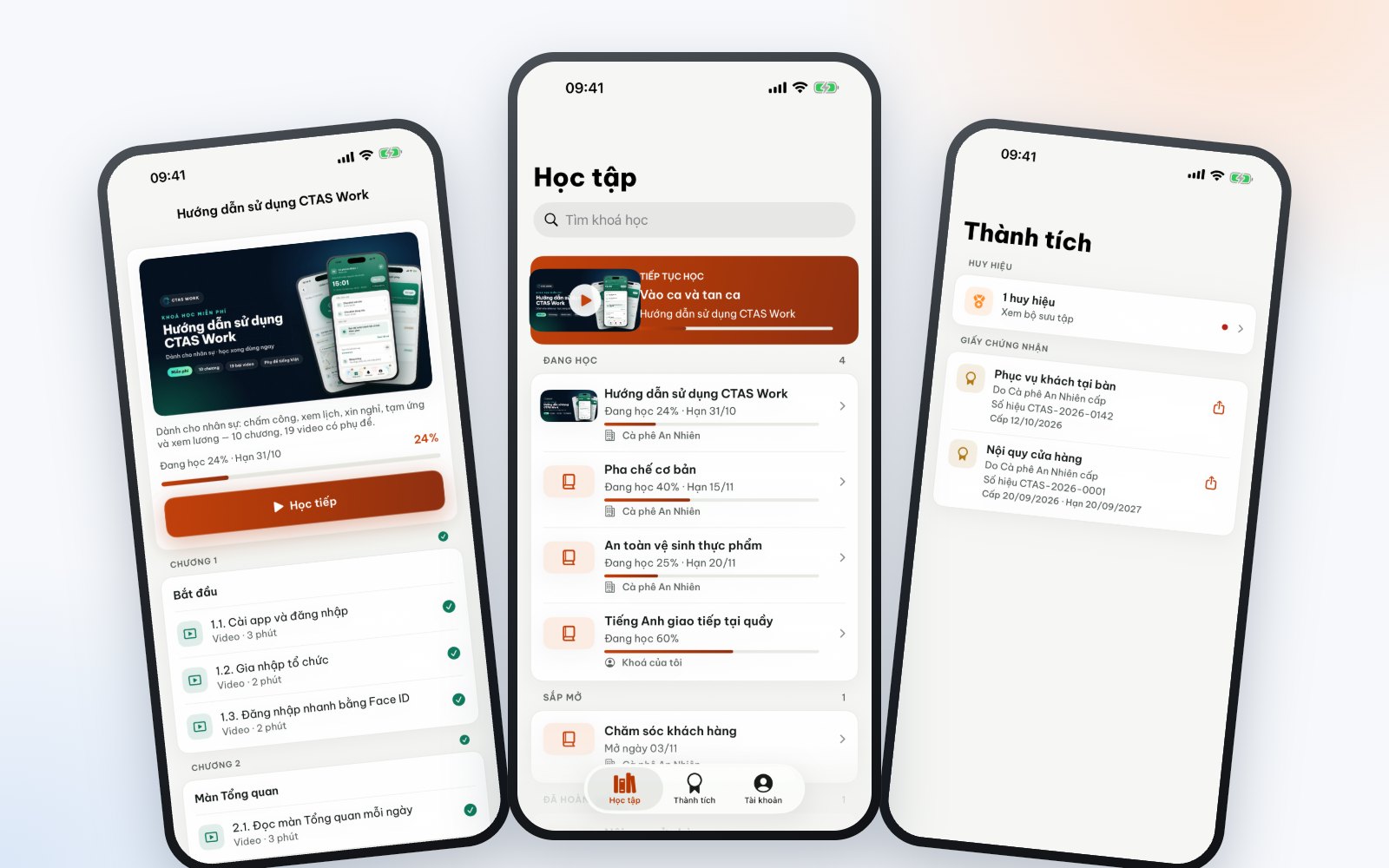
What you can do in CTAS Learn
Pick up where you left off
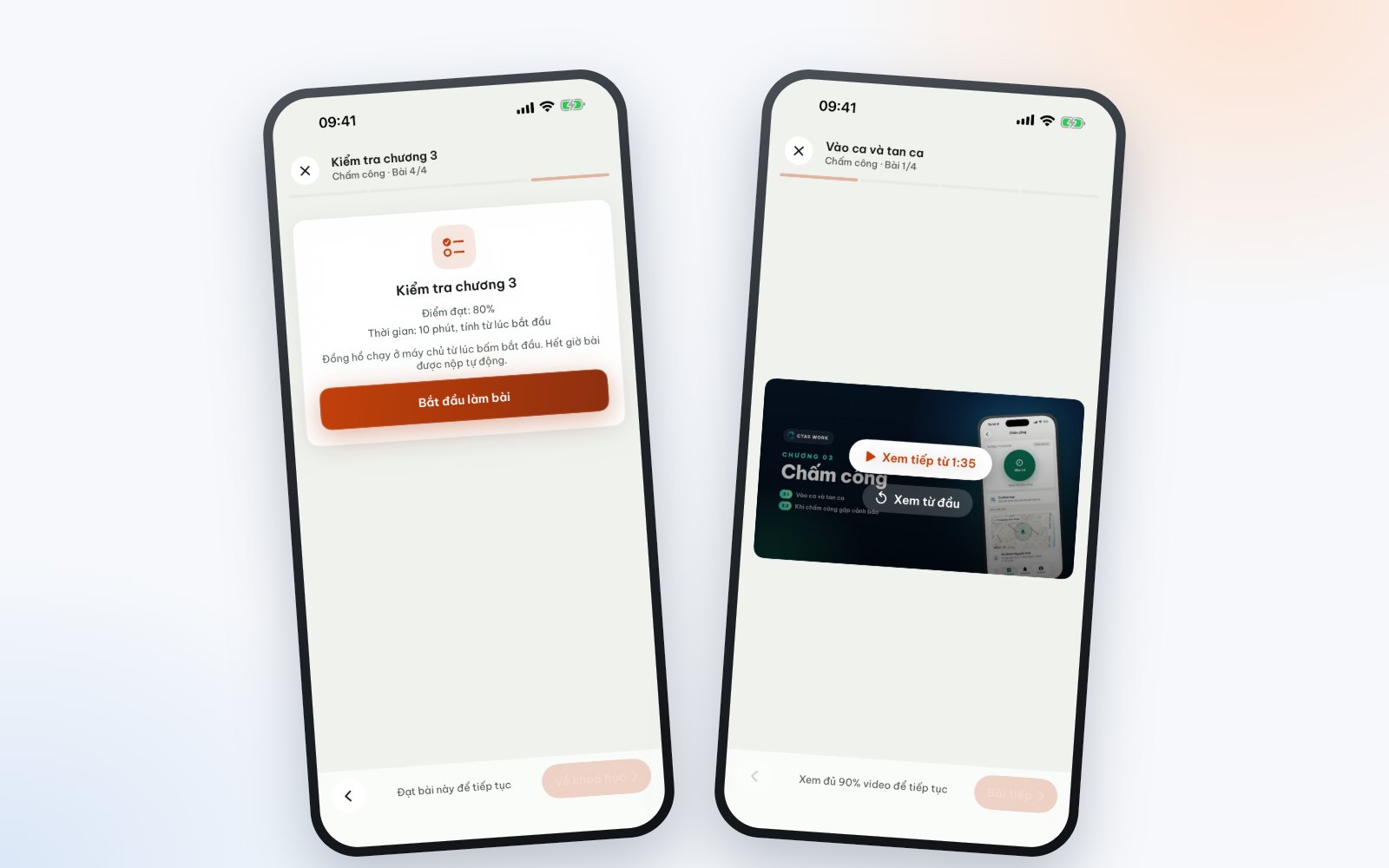
Watched half a video on the way to work? The app remembers your position and asks whether to Resume or Start over. Progress is saved lesson by lesson, so you always know how much is left.
Captioned videos
Lesson videos stream online with captions — handy in a busy café, on the bus or anywhere you can’t turn the sound on.
Quizzes on your phone
Quizzes have a pass mark and can be timed. Some courses unlock the next chapter only after you pass the previous chapter’s quiz. Take it, submit it and see your result in the app.
Achievements: badges and certificates
The Achievements tab collects the badges and certificates of completion you have earned. Each certificate has a unique number and carries the name of the publishing store; it confirms you finished that publisher’s course and is not a degree within the national education system. See Certificates and badges that motivate learning.
Why learn in the app but buy on the web?
There is no buy button in CTAS Learn, on purpose:
- A purchase deserves the full course page. On course.ctas.vn you see the intro video, outline, reviews, the store’s legal details and free preview lessons. Paid courses are not refundable once paid, because they are digital content delivered immediately — so the decision belongs on a screen with all the information.
- Simple, transparent payment. One-time purchase by QR bank transfer through PayOS, with store discount codes. All orders live in the learner area on the web.
- A focused app. No buy buttons or upsells in the middle of a lesson — open it and learn.
Buy or enroll on course.ctas.vn in a browser, sign in to CTAS Learn with the same account, and the course is already in your library. Payment terms are in the Course payment policy.
No app? You can still learn
You can learn in any browser in the learner area (My courses, Certificates, Orders). If your employer uses CTAS Work, assigned courses also appear in its Learning tab.
For businesses: one more channel for staff training
Build courses in CTAS Studio, publish internally, assign by person or department and follow progress in reports — staff learn on their own phones. Planning a course for new hires? Read Online onboarding for new employees.
FAQ
Does CTAS Learn cost anything?
No, both apps are free. You only pay for paid courses bought on course.ctas.vn; free and employer-assigned courses are ready to learn.
If a course is updated, do my lessons change?
No. You keep the version you are on, and a purchased version stays accessible for at least 12 months.
Get CTAS Learn
CTAS Learn is on both stores: get it for iPhone and iPad on the App Store, for Android phones on Google Play, or use the buttons on CTAS Course on ctas.vn. Want a quick free course to try? CTAS Work – User guide for staff has 19 short captioned videos, about 22 minutes in total.
Related articles
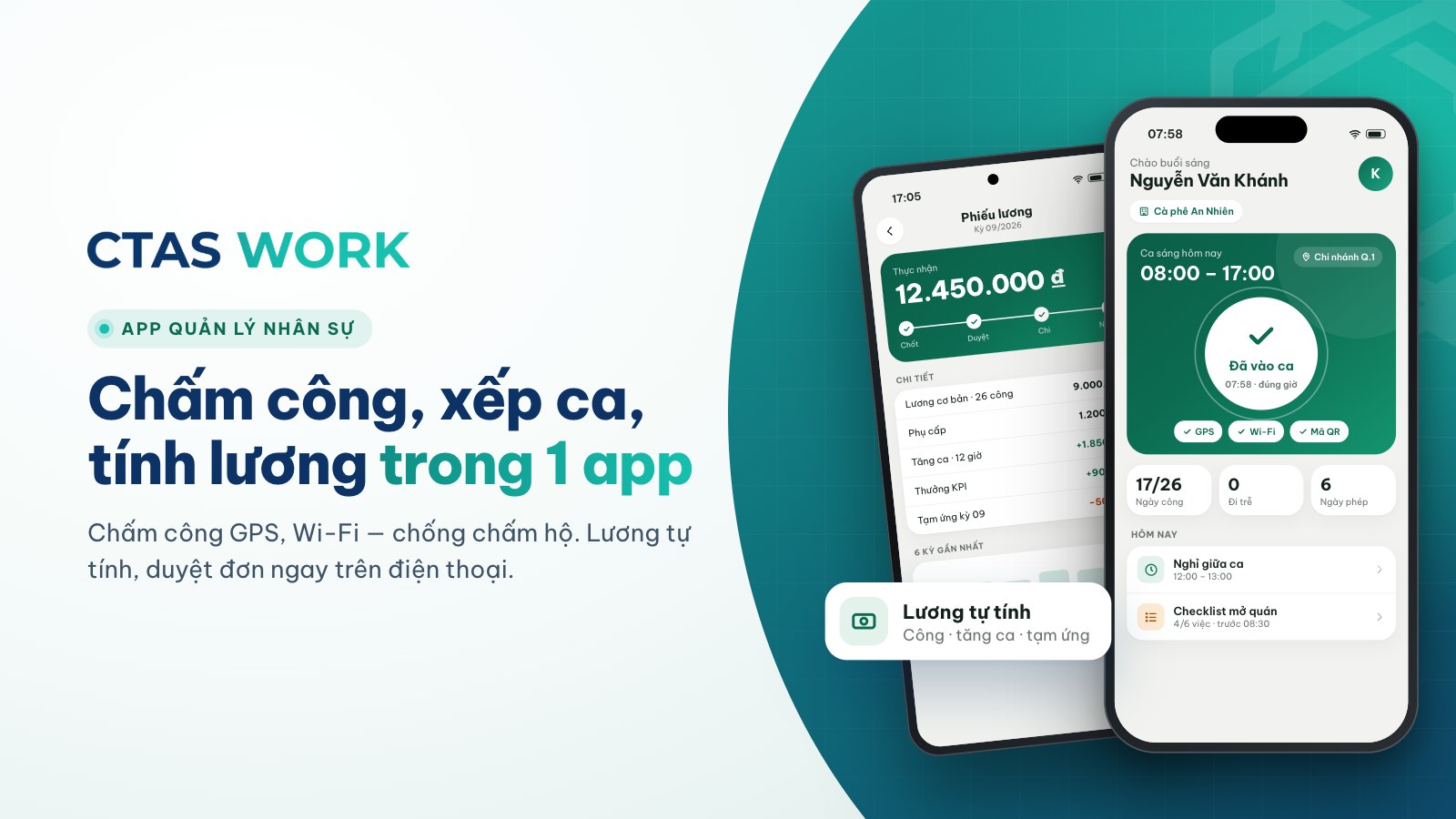
CTAS Work launches: attendance, scheduling and payroll on your phone
The first product of the CTAS ecosystem lets businesses drop the time clock and the spreadsheet and close payroll in minutes. Try every feature for 7 days.
3 min read