
Choosing internal training software for a small business: 7 criteria and a checklist
6 min read
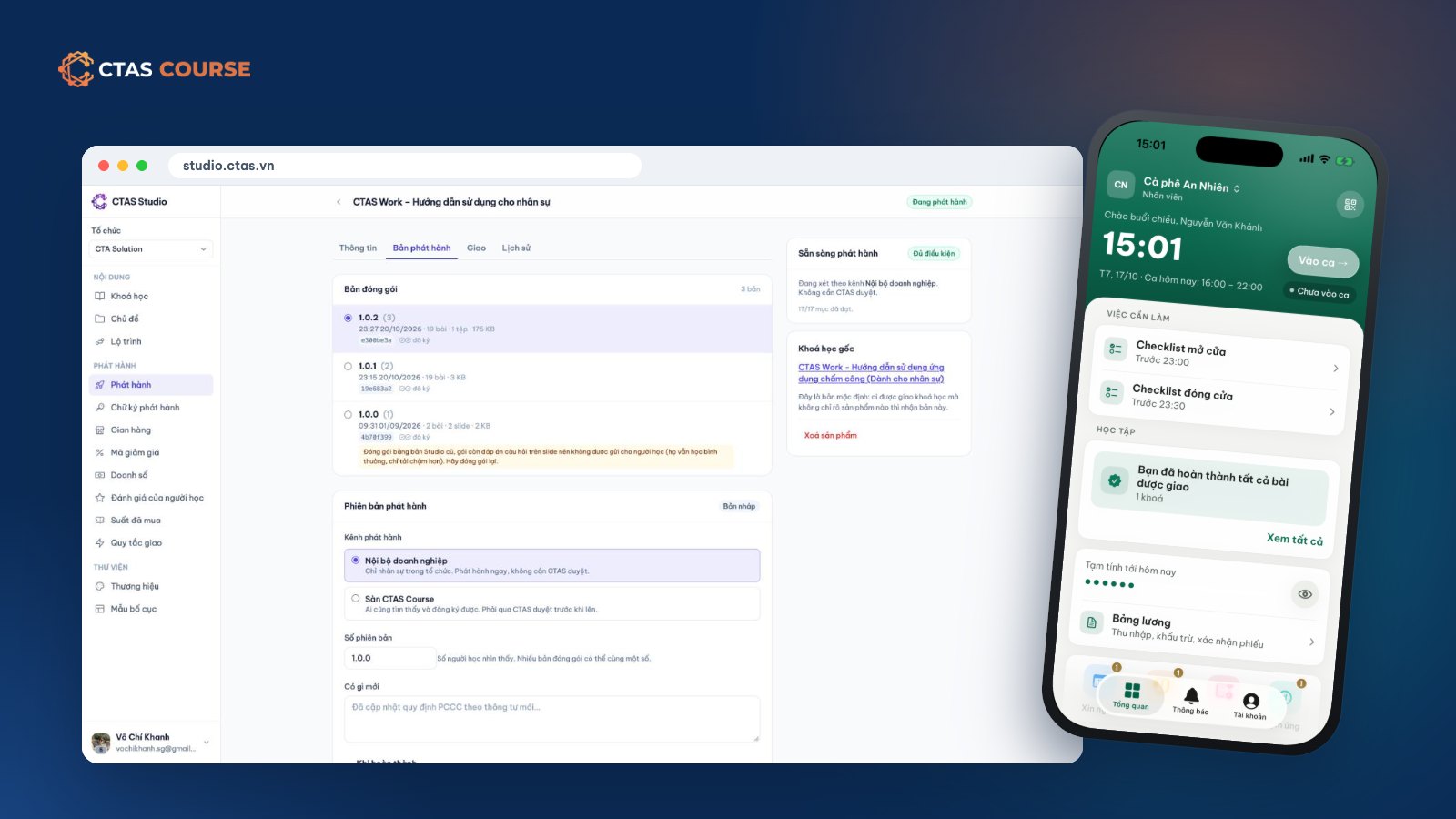
Once a business has a few dozen staff, “the old hand shows the new hire” starts to break down: every branch teaches differently, managers spend hours repeating the same lessons, and nobody really knows how well staff know the procedures. That is when owners start looking for internal training software or a corporate LMS. The catch is that most LMS products are built for large companies with a training department and desk-based staff. Small businesses — especially stores and F&B chains — need different criteria. Here is how to choose.
Before comparing software: define the real need
- Who will learn? Office staff with computers, or shift staff with only a phone?
- Who will build courses? A training team, or the owner and shift managers in their spare time?
- What do you want to know? Just who finished, or results tied to reviews, bonuses and payroll?
For most small businesses: learners use phones, authors are busy managers, and learning should sit next to daily people management.
7 criteria for small-business training software
1. Works well on a phone
If staff need a computer, they won’t learn. Check for iPhone and Android apps, captioned video and resume-where-you-left-off.
2. Pricing: per head or per plan
Many tools charge per learner per month. With high turnover in F&B and retail, that cost is hard to predict. Ask whether leavers are still billed and whether hiring forces an upgrade.
3. Fast authoring from existing material
You already have slides, PDFs, phone videos and question spreadsheets. Look for PDF import, Excel question import and simple video upload.
4. Quizzes and completion rules
Pass marks, and ideally locking the next chapter until the previous one is passed.
5. Assignment and progress reports
Assign by person, department or branch, with due dates and a report of who is done.
6. Connected to attendance, HR and payroll
If the training tool keeps its own staff list, you update two systems every time someone joins, leaves or moves. Shared HR data means courses reach the right people and learning rewards can flow into payroll.
7. Video storage costs
Ask how much storage is included, how to add more, and whether video delivery is billed separately.
Corporate LMS checklist
| Criterion | Question to ask |
|---|---|
| Mobile learning | iPhone and Android apps? Captions? Resume position? |
| Pricing | Per head or per plan? What happens with turnover? |
| Fast authoring | PDF import, Excel question import, built-in slide editor? |
| Assessment | Pass marks, time limits, chapter locking? |
| Assignment | By person, department, automatic rules? Due dates? |
| Reporting | Progress per person and per course? |
| HR and payroll | Shared staff list with attendance? Rewards in payroll? |
| Video storage | How many GB included? How to add more? |
| Course updates | Do updates disrupt people mid-course? |
| Ready-made content | Can you buy finished courses to assign? |
How CTAS answers these questions
CTAS is not the only option — use the checklist to compare. Here is how the CTAS products line up:
- Mobile: staff learn in the CTAS Work Learning tab or the CTAS Learn apps (iPhone/iPad and Android), with captions and resume.
- Pricing: CTAS Studio is 990,000 VND/month or 9,490,000 VND/year, one price for the whole organization with up to 60 learners and 20 departments; beyond that, CTAS Studio Enterprise is priced by contract. Organizations on CTAS Work get 20% off Studio on the web.
- Authoring: slide editor, PDF-to-slides import, captioned video upload, Excel/JSON question import.
- Assessment: pass marks, time limits, chapter locking.
- Assignment and reports: by person, department or automatic rules, with due dates and progress reports. Assigning to CTAS Work staff requires the Work plan’s Network feature (Growth and above).
- HR and payroll: shared staff list with CTAS Work; completion bonuses can be tied to payroll.
- Storage: 50 GB included; add 50 GB (249,000 VND/month) or 200 GB (890,000 VND/month).
- Updates: each release is fixed; learners keep their version.
- Ready-made content: buy seats of courses on CTAS Course.
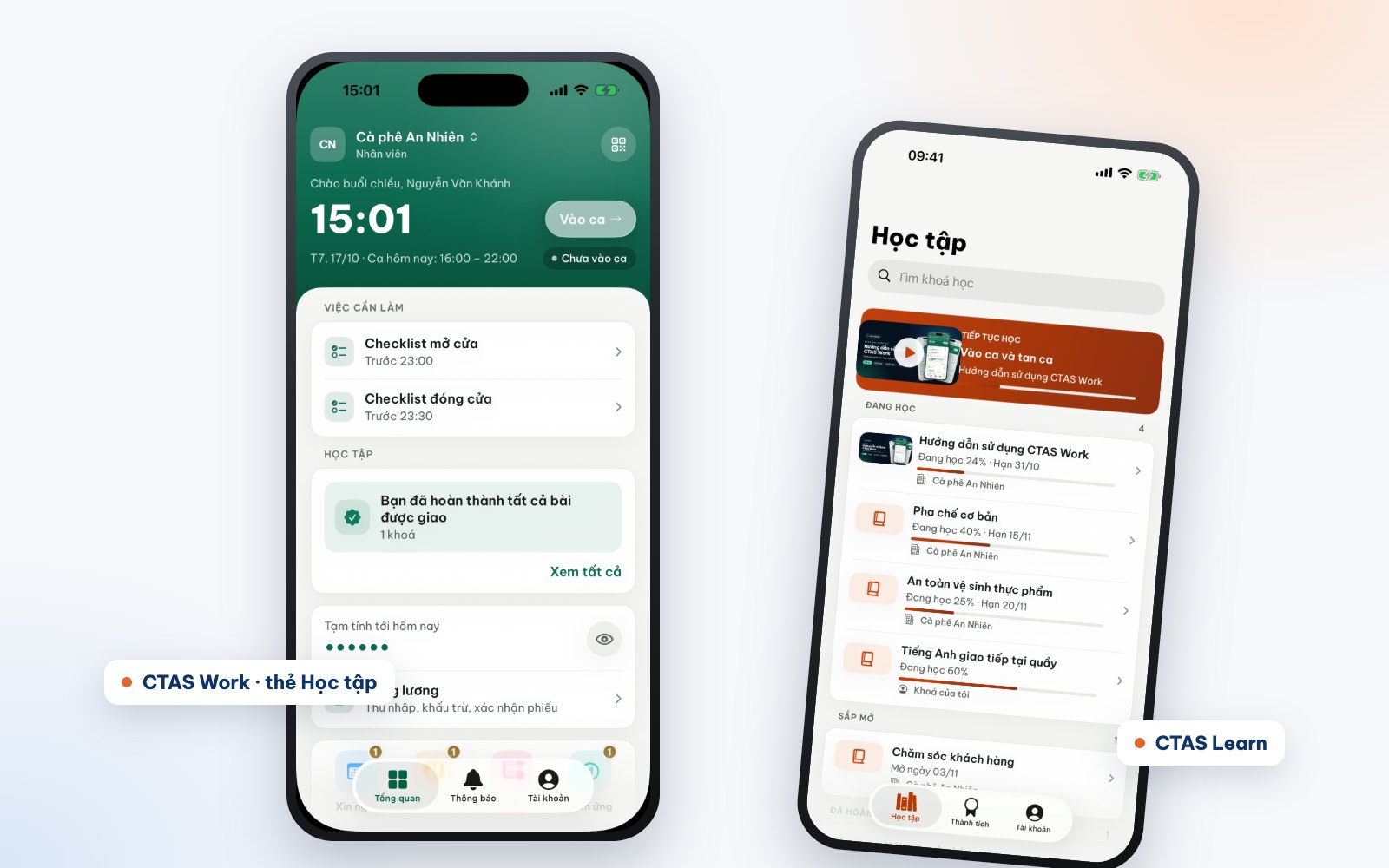
How to test
Don’t choose from a feature table alone. Build a small course — say, the opening routine with three videos and a quiz — assign it to a few staff and see whether they actually learn. Online onboarding for new employees walks through it, and Microlearning for shift workers helps you size the content.
See how CTAS supports internal training at ctas.vn/en/course, or take the free CTAS Work – User guide for staff to experience it as an employee.
Related articles
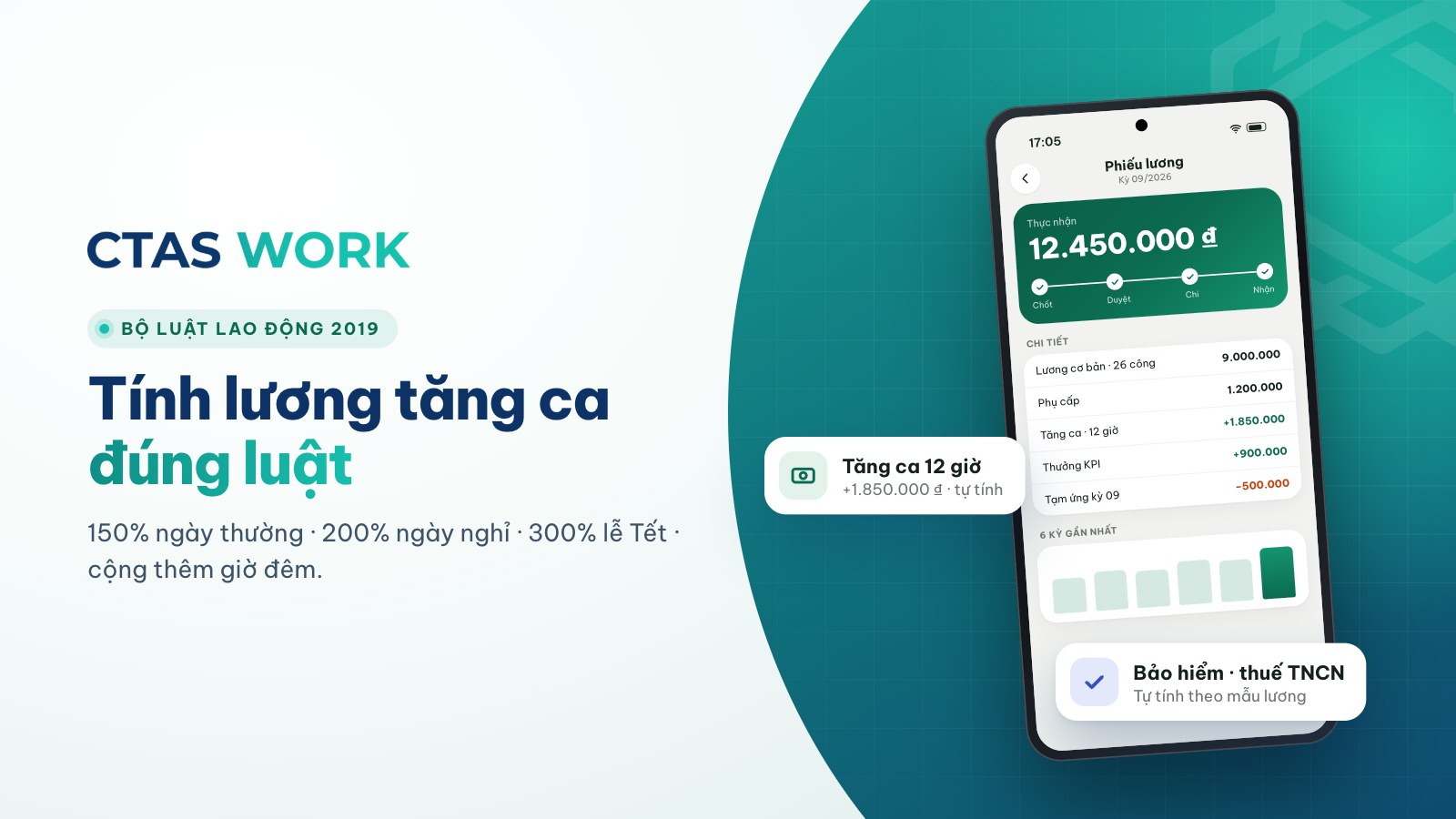
Overtime pay under Vietnam's 2019 Labour Code, with a worked example
150% on weekdays, 200% on days off, 300% on holidays, plus 30% and 20% at night — each rate explained and calculated for a barista.
4 min read
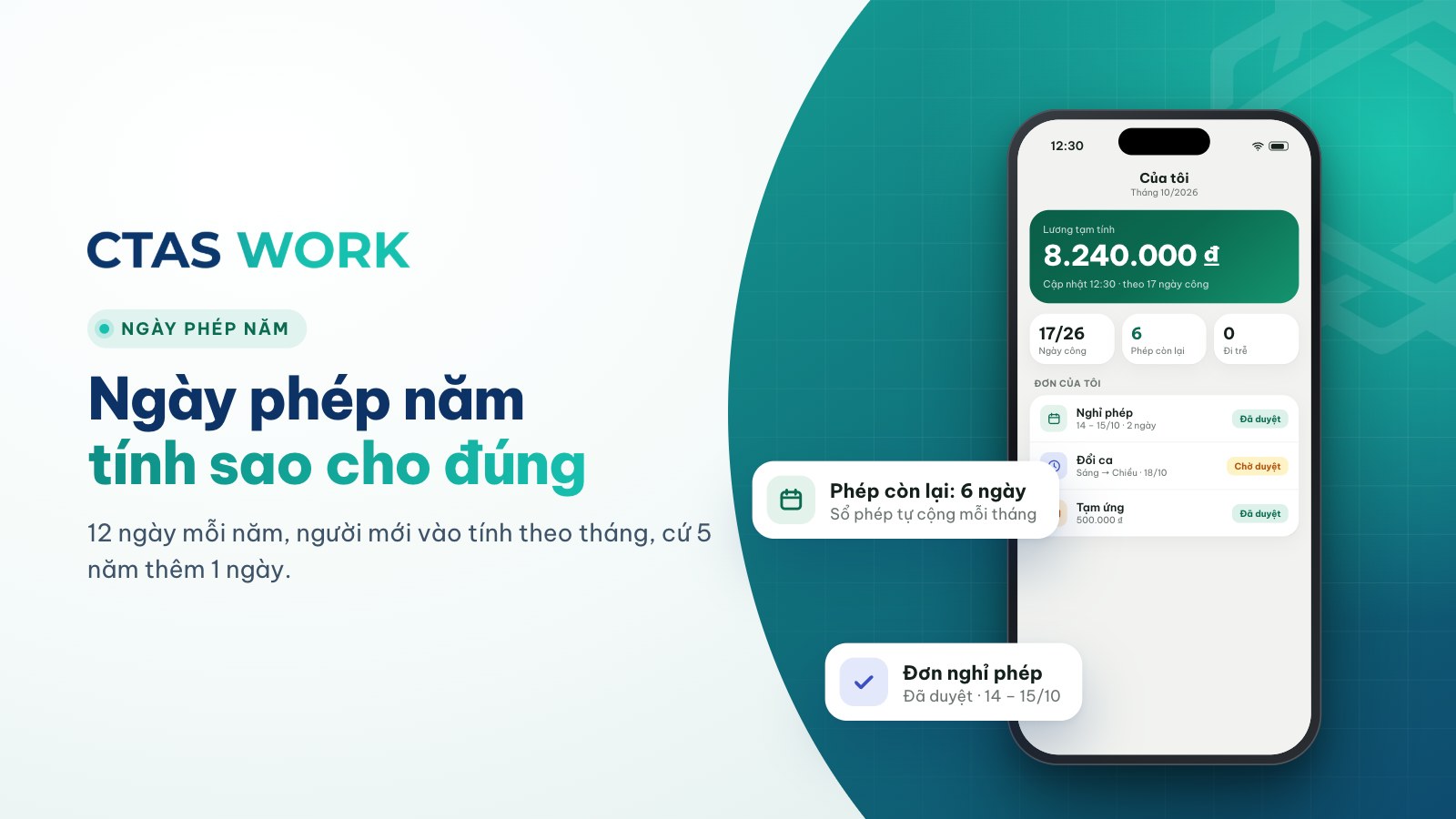
How to calculate annual leave: 12 days, part-year staff and seniority
Days per year, new starters, one extra day every 5 years, unused leave when someone leaves — plus three common shop situations.
4 min read
Can you dock pay for lateness? Paying for time worked vs. fining
The law bans fines and pay cuts as discipline. Is “15 minutes late, 50,000 VND off” wrong? How to handle lateness legally.
4 min read